How to Set Up Emergency SOS and Medical Info on Android
Nobody likes to think about emergencies, but your phone can do a lot to help if the worst happens, whether that's calling for help when you can't speak or telling paramedics about your allergies.
These features are built into Android, but most of them need setting up first. It takes about five minutes. Do it for yourself, and for older relatives too.
Before you start: Android menus vary a little between phone makers. The steps below use Google Pixel / standard Android names, with Samsung Galaxy differences noted. If you can't find a setting, tap the search bar at the top of Settings and type its name.
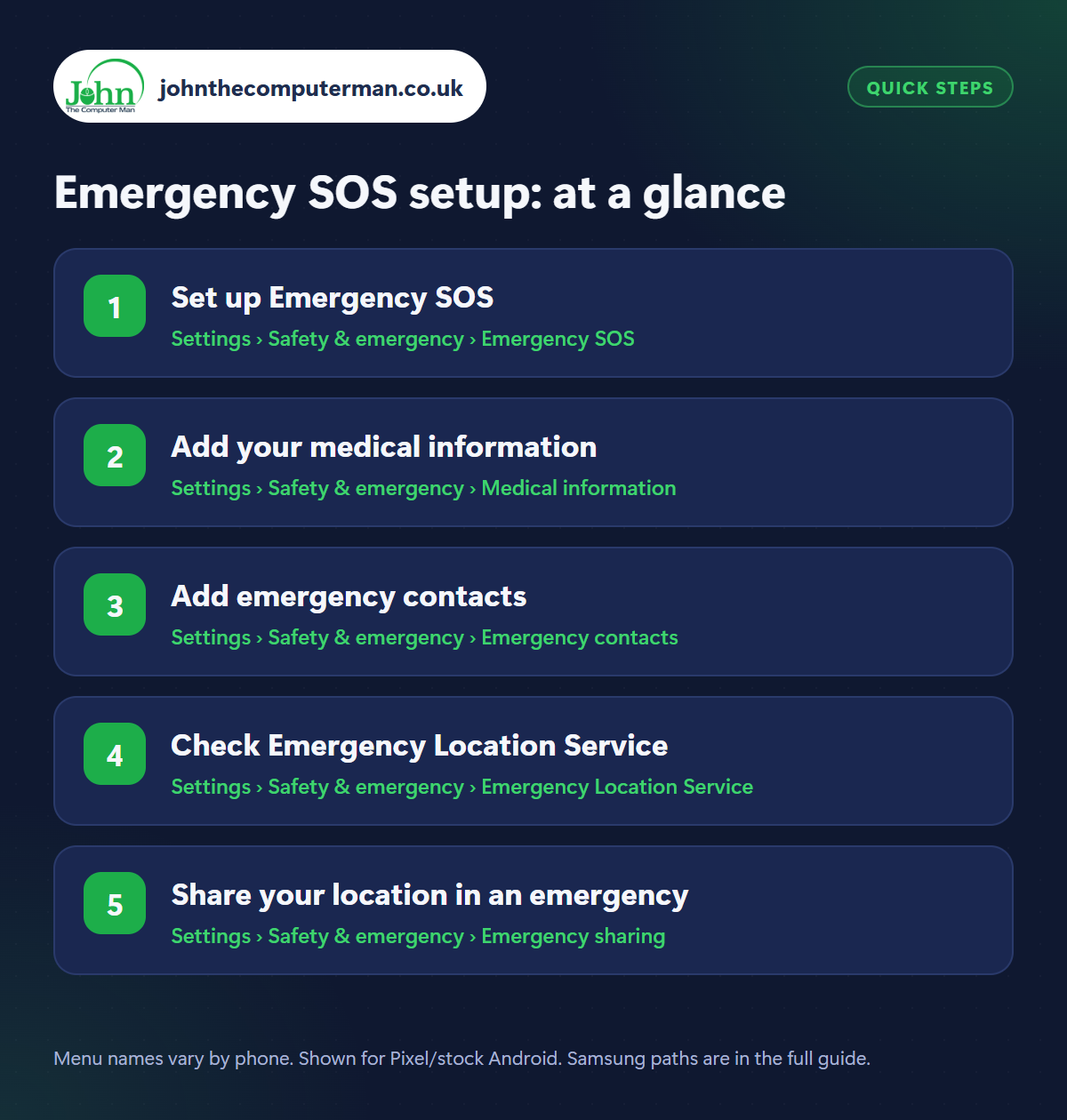
How to emergency SOS setup on Android
Step 1: Set up Emergency SOS
Where: Settings › Safety & emergency › Emergency SOS
Samsung: Settings › Safety and emergency › Emergency SOS
Samsung: Settings › Safety and emergency › Emergency SOS
Go to Settings › Safety & emergency › Emergency SOS and switch on Use Emergency SOS. From then on, pressing the power button 5 times quickly starts a countdown, then calls the emergency number. It can also share your location with your emergency contacts and record video. Check the countdown alarm is on so an accidental press is obvious, and don't test it by letting the call go through.
Step 2: Add your medical information
Where: Settings › Safety & emergency › Medical information
In Settings › Safety & emergency › Medical information, add your blood type, allergies, medications, medical conditions and anything else responders should know (like ‘pacemaker’ or ‘diabetic’). Samsung phones have the same thing under Settings › Safety and emergency › Medical info. It can be seen from the lock screen, so only include what you're happy for a stranger to read.
Step 3: Add emergency contacts
Where: Settings › Safety & emergency › Emergency contacts
Add one or two emergency contacts in Settings › Safety & emergency › Emergency contacts. They can be called from your lock screen, even by someone who can't unlock your phone, and receive your location when you use Emergency SOS. Make sure you tell them they're on your list.
Step 4: Check Emergency Location Service
Where: Settings › Safety & emergency › Emergency Location Service
Samsung: Settings › Location › Location services › Emergency Location Service
Samsung: Settings › Location › Location services › Emergency Location Service
Emergency Location Service automatically sends your precise location to emergency services when you call or text an emergency number (like 999, 112 or 911) in supported countries, including the UK. It's usually on by default, but check: Settings › Safety & emergency › Emergency Location Service (Samsung: Settings › Location › Location services). It only works during an emergency call and doesn't share your location with anyone else.
Step 5: Share your location in an emergency
Where: Settings › Safety & emergency › Emergency sharing
Samsung: Settings › Safety and emergency › Emergency sharing
Samsung: Settings › Safety and emergency › Emergency sharing
Emergency sharing sends your real-time location to your emergency contacts until you stop it. Find it in Settings › Safety & emergency › Emergency sharing (Samsung: Safety and emergency › Emergency sharing). It's useful if you feel unsafe walking home or your car breaks down somewhere remote. Some Pixel phones also offer Car crash detection in the same menu, which can call for help automatically after a serious crash.
Pro tip
💡 Anyone can see your medical info without unlocking: on the lock screen, swipe up, tap Emergency, then Emergency information. Show your family how.
FAQ
What if I trigger Emergency SOS by accident?
There's a countdown before the call is made. Tap cancel. If a call does go through, stay on the line and tell the operator it was an accident.
Can someone see my medical info without my PIN?
Yes. That's the point: it helps responders when you can't. Only include information you're comfortable sharing.
Does Emergency SOS work without a SIM?
Emergency calls can often be made on any available network, but this varies by country. Always keep your phone charged when you're out.
The bottom line
Emergency SOS, medical info and emergency contacts take five minutes to set up. Do it today, and do it for the people you love, then show them how it works.