How to Add Widgets to Your iPhone Home Screen
Opening one app for the weather, another for your calendar and another for your to-do list adds up.
Widgets put that information on your Home Screen, so one glance tells you what's coming.
What does Home Screen widgets do?
Widgets are small live panels from your apps: weather, calendar, reminders, battery, photos and many more. They come in different sizes, and you can stack several in one spot and swipe between them.
Takes: 2 minutes · Works on: iOS 14 or later · Cost: free, built into your iPhone
Where to find it
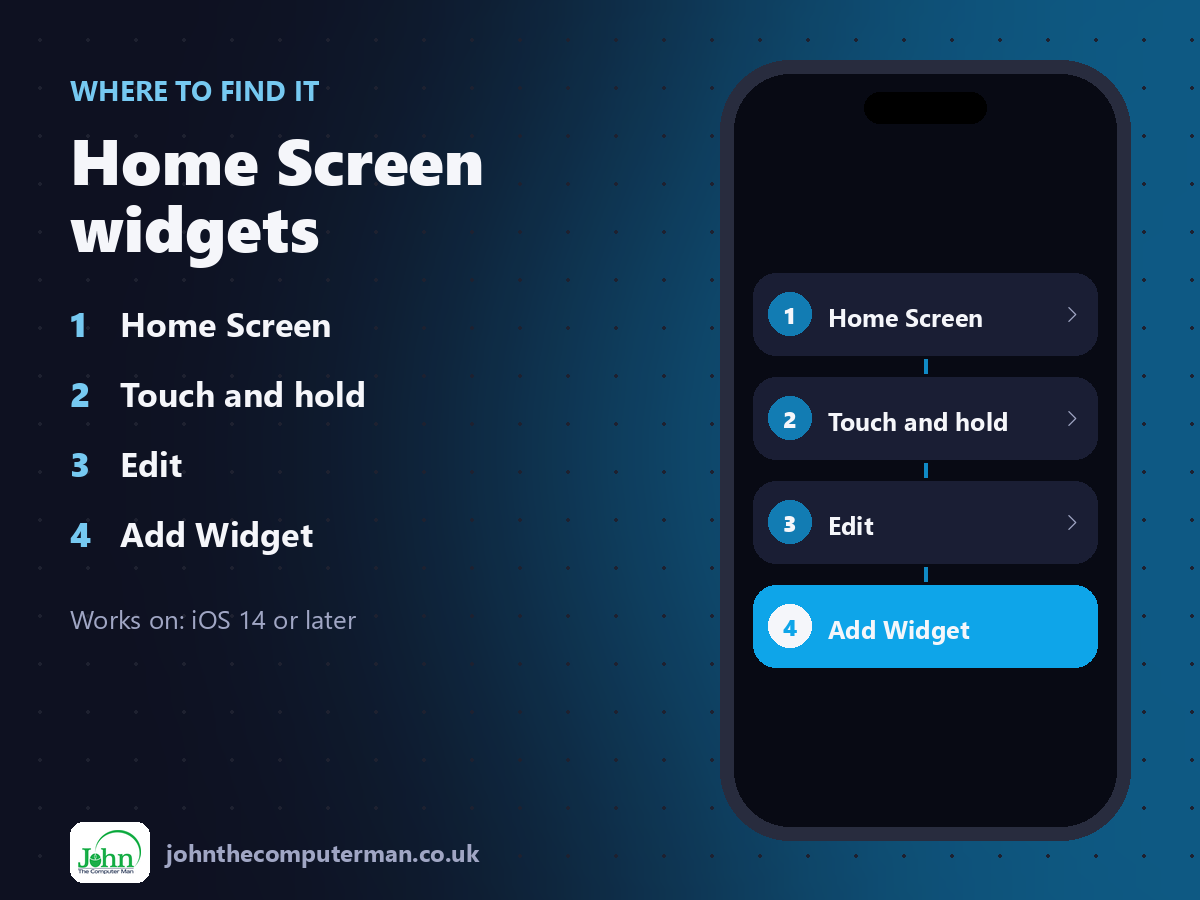
Home Screen > Touch and hold > Edit > Add Widget
Home Screen widgets: step by step
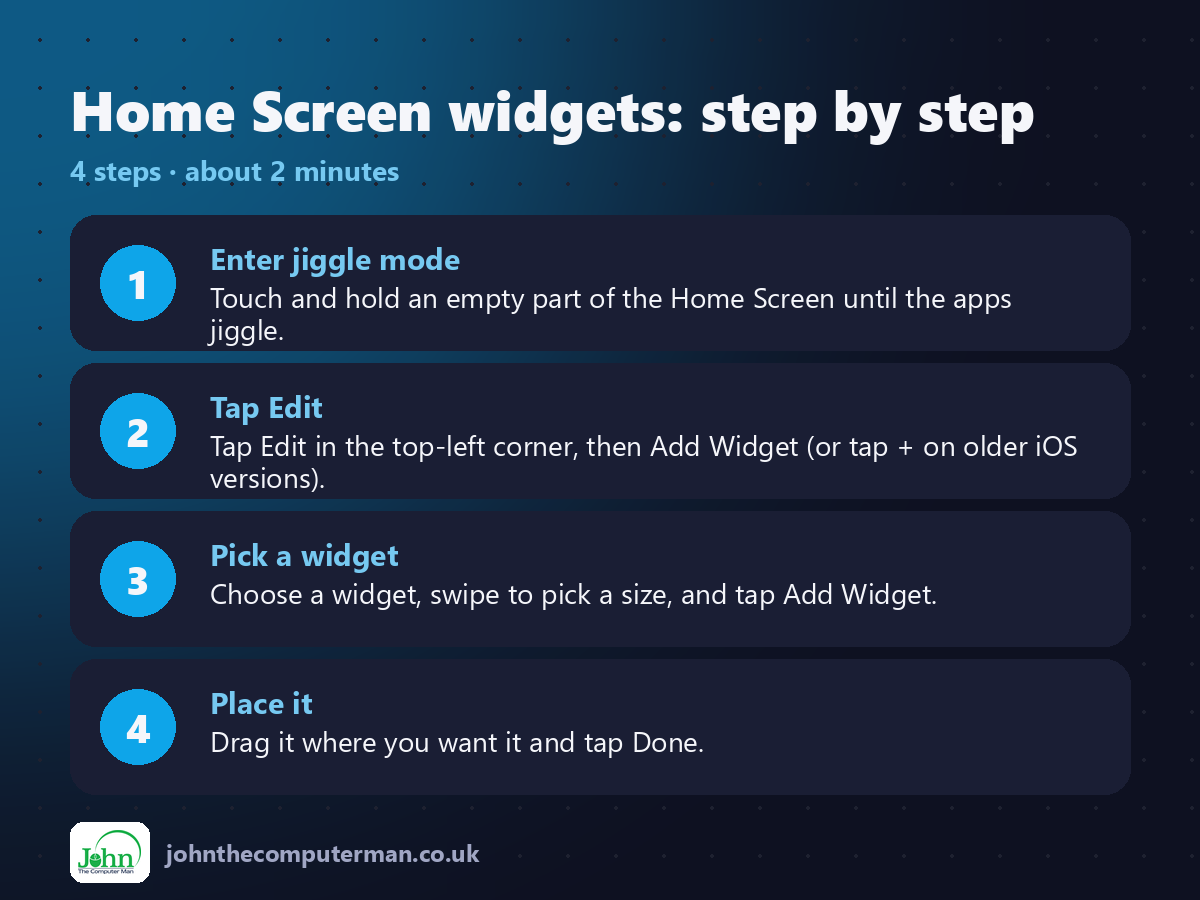
1. Enter jiggle mode. Touch and hold an empty part of the Home Screen until the apps jiggle.
2. Tap Edit. Tap Edit in the top-left corner, then Add Widget (or tap + on older iOS versions).
3. Pick a widget. Choose a widget, swipe to pick a size, and tap Add Widget.
4. Place it. Drag it where you want it and tap Done.
2. Tap Edit. Tap Edit in the top-left corner, then Add Widget (or tap + on older iOS versions).
3. Pick a widget. Choose a widget, swipe to pick a size, and tap Add Widget.
4. Place it. Drag it where you want it and tap Done.
Pro tip
💡 Drag one widget on top of another of the same size to make a stack. Swipe up and down to flick through them.
More tips
• Touch and hold a widget and tap Edit Widget to change what it shows.
• Swipe right from your first Home Screen for Today View, another place for widgets.
• The Batteries widget shows your AirPods and Apple Watch charge.
• Start with two or three. Too many widgets make a cluttered screen.
• Swipe right from your first Home Screen for Today View, another place for widgets.
• The Batteries widget shows your AirPods and Apple Watch charge.
• Start with two or three. Too many widgets make a cluttered screen.
FAQ
Why doesn't an app have a widget?
The app's developer has to build one. Make sure the app is up to date.
Can widgets do things?
Yes. On iOS 17 and later many are interactive, such as ticking off a reminder.