How to Edit or Unsend a Message on iPhone
A typo in a work message. An autocorrect disaster. The wrong message to the wrong chat. We've all felt that stomach drop.
In Messages, you can edit an iMessage for up to 15 minutes after sending it, and unsend it for up to 2 minutes.
What does Edit and unsend messages do?
Edit and Undo Send work on iMessages (blue bubbles). Edit lets you change a message up to five times within 15 minutes, and the other person sees it's been edited. Undo Send removes the message from the conversation within 2 minutes.
Takes: 10 seconds · Works on: iOS 16 or later · Cost: free, built into your iPhone
Where to find it
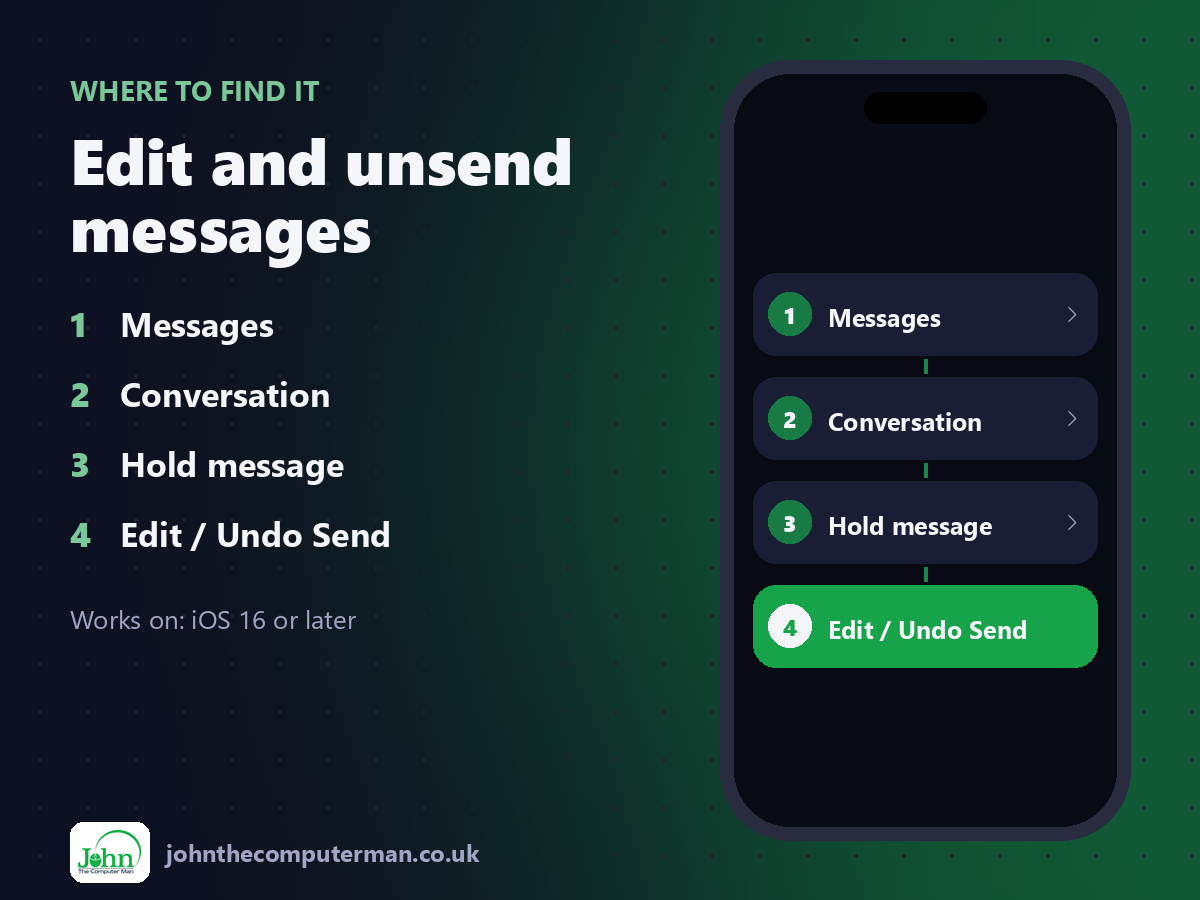
Messages > Conversation > Hold message > Edit / Undo Send
Edit and unsend messages: step by step
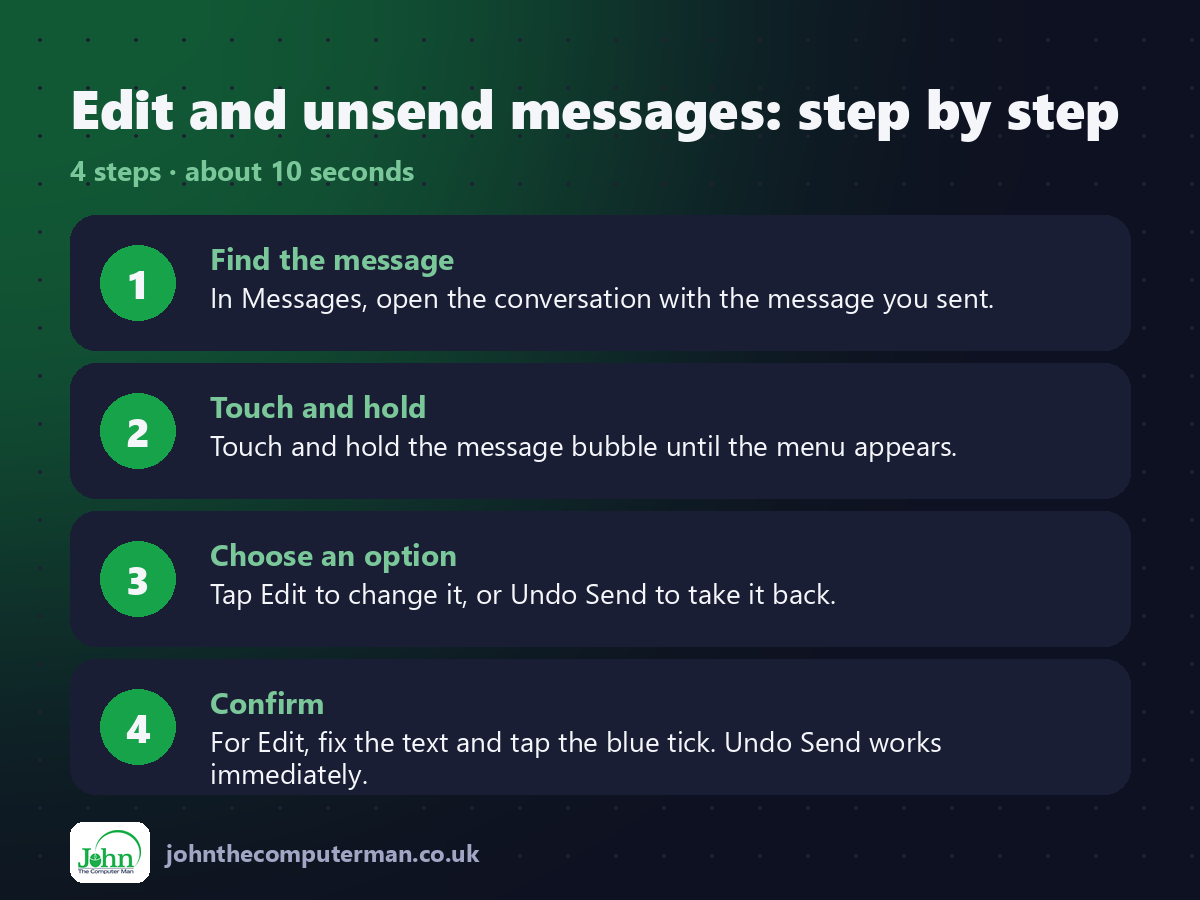
1. Find the message. In Messages, open the conversation with the message you sent.
2. Touch and hold. Touch and hold the message bubble until the menu appears.
3. Choose an option. Tap Edit to change it, or Undo Send to take it back.
4. Confirm. For Edit, fix the text and tap the blue tick. Undo Send works immediately.
2. Touch and hold. Touch and hold the message bubble until the menu appears.
3. Choose an option. Tap Edit to change it, or Undo Send to take it back.
4. Confirm. For Edit, fix the text and tap the blue tick. Undo Send works immediately.
Pro tip
💡 The other person may still see the original if they're on an older iOS version, or if they've already read it. Be quick!
More tips
• Edited messages show 'Edited'. Tap it to see previous versions.
• It only works with iMessage, not SMS (green bubbles).
• Deleted a whole conversation by mistake? Messages keeps recently deleted messages for up to 30 days, so you can recover them.
• Turn off autocorrect temporarily if it keeps changing names: Settings > General > Keyboard.
• It only works with iMessage, not SMS (green bubbles).
• Deleted a whole conversation by mistake? Messages keeps recently deleted messages for up to 30 days, so you can recover them.
• Turn off autocorrect temporarily if it keeps changing names: Settings > General > Keyboard.
FAQ
Does the other person know I unsent a message?
Yes. A small note shows that you unsent a message, but not what it said.
Why is there no Edit option?
Either it's been more than 15 minutes, you've already edited it five times, or it was sent as an SMS.