How to Get iPhone Alerts for Doorbells, Alarms and Crying Babies
Noise-cancelling headphones are brilliant, until you miss the doorbell, the delivery driver, or the baby waking up.
Sound Recognition lets your iPhone listen for specific sounds and send you a notification when it hears one.
What does Sound Recognition do?
Sound Recognition is an accessibility feature that listens for sounds like smoke alarms, doorbells, knocking, crying babies, dogs, cats, running water and appliances beeping. The listening happens on your iPhone, not online. When it hears one, you get a notification and a vibration.
Takes: 2 minutes · Works on: iOS 14 or later · Cost: free, built into your iPhone
Where to find it
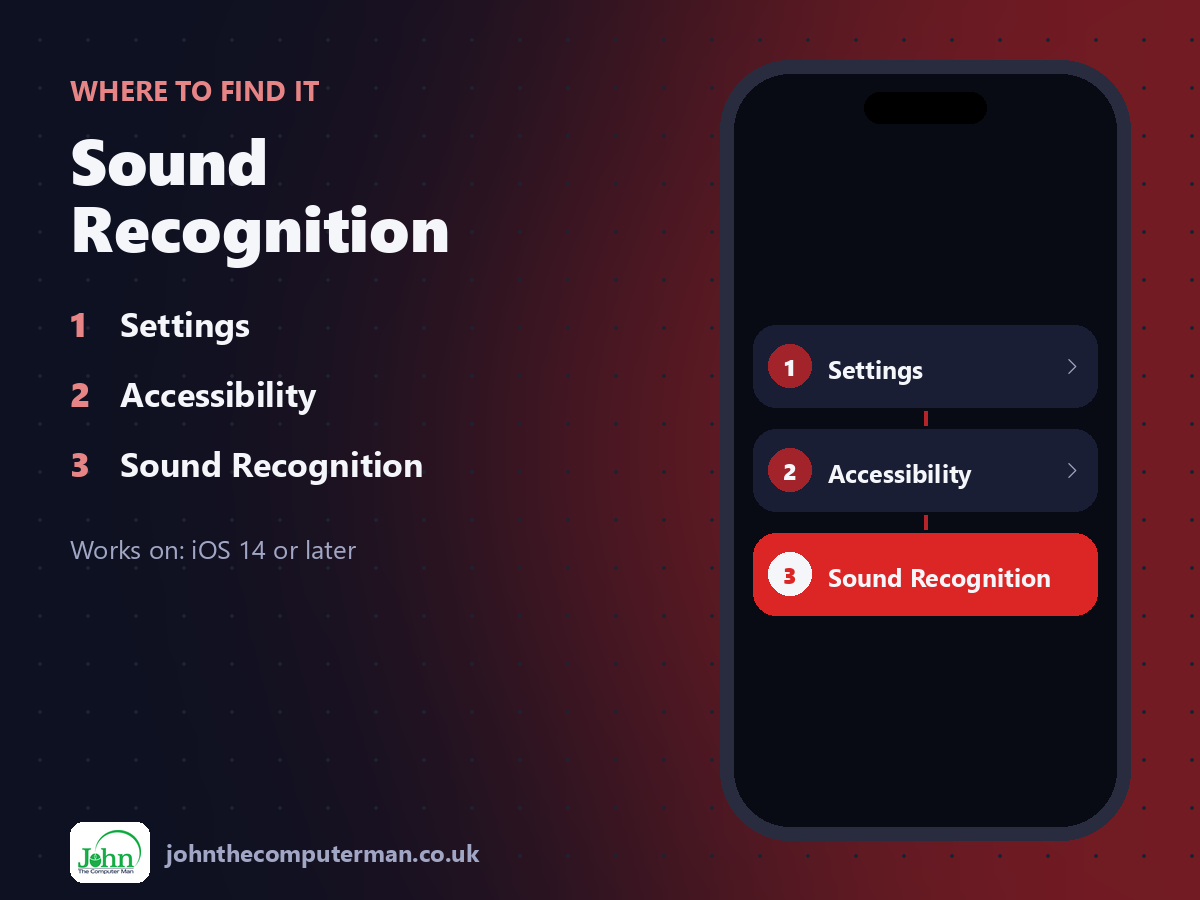
Settings > Accessibility > Sound Recognition
Sound Recognition: step by step
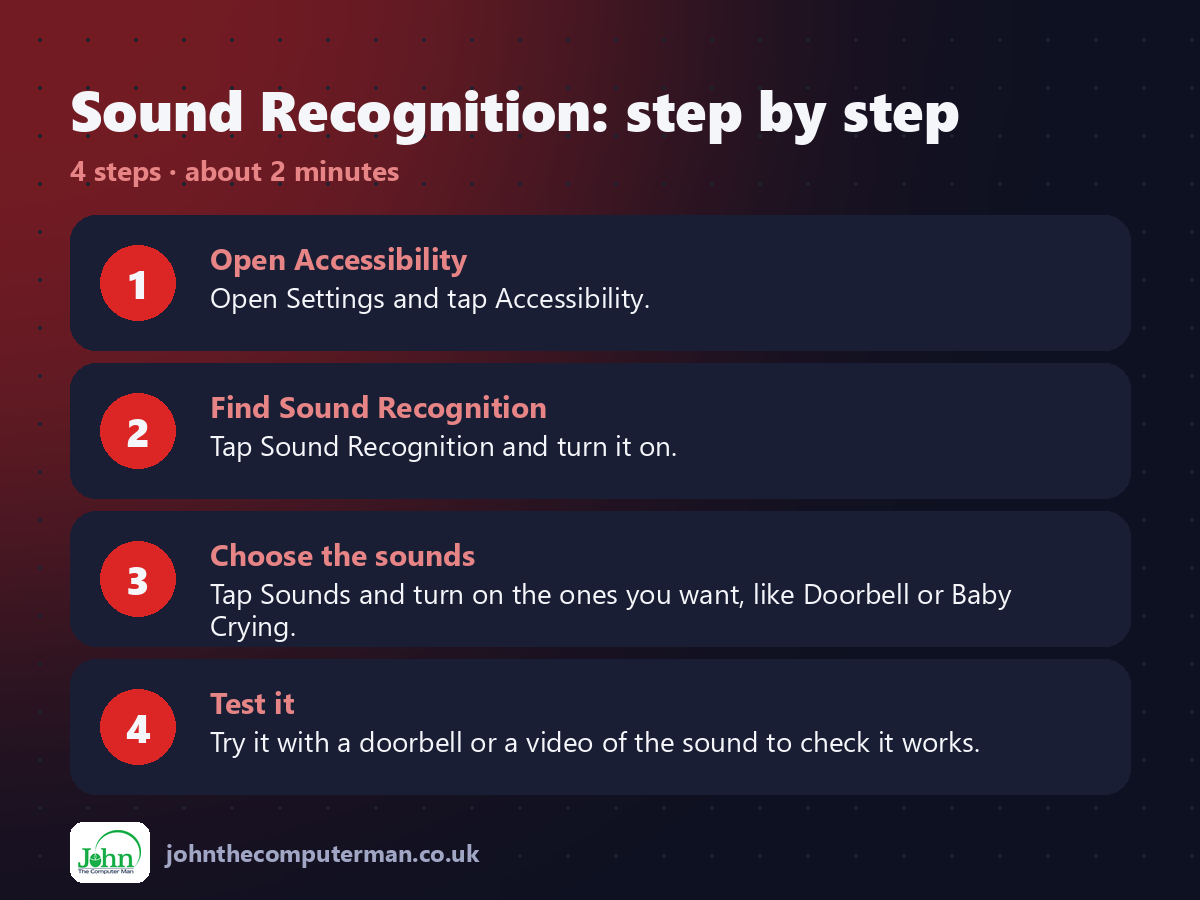
1. Open Accessibility. Open Settings and tap Accessibility.
2. Find Sound Recognition. Tap Sound Recognition and turn it on.
3. Choose the sounds. Tap Sounds and turn on the ones you want, like Doorbell or Baby Crying.
4. Test it. Try it with a doorbell or a video of the sound to check it works.
2. Find Sound Recognition. Tap Sound Recognition and turn it on.
3. Choose the sounds. Tap Sounds and turn on the ones you want, like Doorbell or Baby Crying.
4. Test it. Try it with a doorbell or a video of the sound to check it works.
Pro tip
💡 Your doorbell sounds unusual? Tap Custom Alarm or Custom Appliance or Doorbell and teach your iPhone that exact sound.
More tips
• Don't rely on it in an emergency. Apple says it shouldn't replace a proper alarm system.
• Add Hearing to Control Centre to switch it on and off quickly.
• Alerts show on your Apple Watch too, if you wear one.
• Useful for people who are deaf or hard of hearing, and anyone wearing headphones.
• Add Hearing to Control Centre to switch it on and off quickly.
• Alerts show on your Apple Watch too, if you wear one.
• Useful for people who are deaf or hard of hearing, and anyone wearing headphones.
FAQ
Does it record what I say?
No. It listens for specific sounds on the device and doesn't send audio to Apple.
Does it use a lot of battery?
A little more than usual, as the microphone is listening. Turn it on when you need it.