How to Lock or Hide Apps on iPhone With Face ID
You pass your phone to a friend to show them a photo, and suddenly they're scrolling through your messages.
Since iOS 18, you can lock any app so it needs Face ID (or Touch ID or your passcode) to open. You can even hide an app completely.
What does Lock and hide apps do?
Locked apps ask for Face ID, Touch ID or your passcode before they open, and their content won't show up in search or notifications. Hidden apps go a step further: they disappear from your Home Screen and live in a locked Hidden folder at the bottom of the App Library.
Takes: 30 seconds · Works on: iOS 18 or later · Cost: free, built into your iPhone
Where to find it
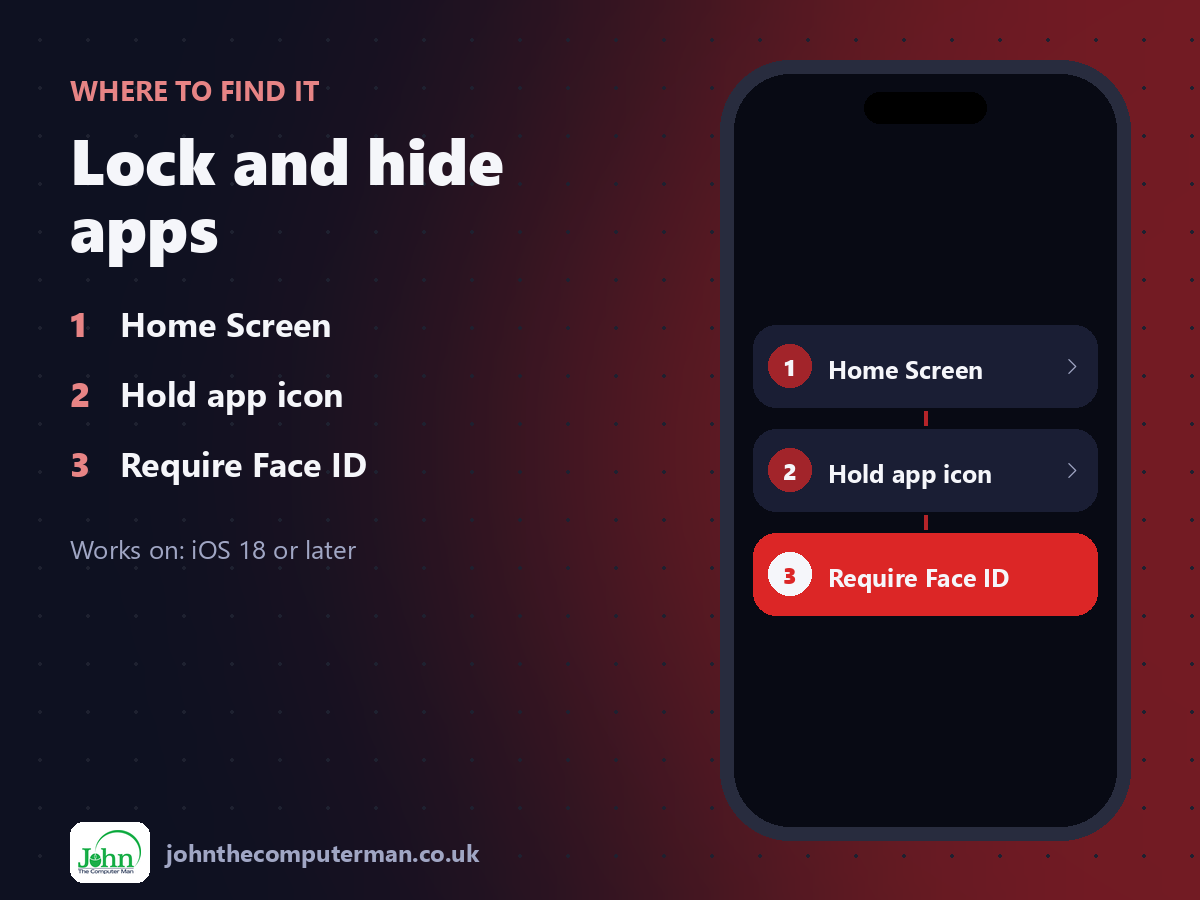
Home Screen > Hold app icon > Require Face ID
Lock and hide apps: step by step
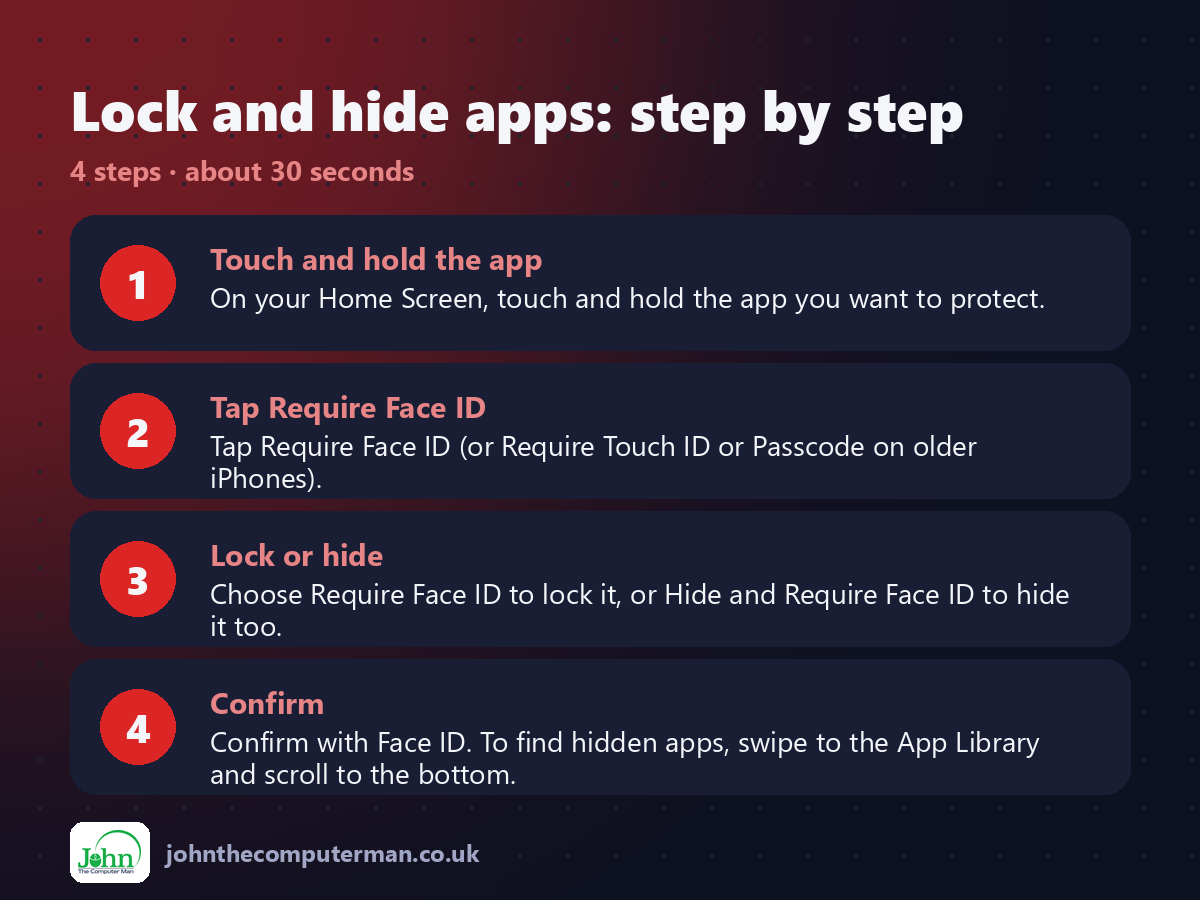
1. Touch and hold the app. On your Home Screen, touch and hold the app you want to protect.
2. Tap Require Face ID. Tap Require Face ID (or Require Touch ID or Passcode on older iPhones).
3. Lock or hide. Choose Require Face ID to lock it, or Hide and Require Face ID to hide it too.
4. Confirm. Confirm with Face ID. To find hidden apps, swipe to the App Library and scroll to the bottom.
2. Tap Require Face ID. Tap Require Face ID (or Require Touch ID or Passcode on older iPhones).
3. Lock or hide. Choose Require Face ID to lock it, or Hide and Require Face ID to hide it too.
4. Confirm. Confirm with Face ID. To find hidden apps, swipe to the App Library and scroll to the bottom.
Pro tip
💡 Hidden apps don't send notifications or show up in search. Handy for surprises, but don't hide anything you need alerts from.
More tips
• To unlock an app, touch and hold it again and tap Don't Require Face ID.
• Some built-in Apple apps, like Settings and Camera, can't be locked or hidden.
• A hidden app stays hidden in Settings and Screen Time lists too.
• Pair this with a strong passcode. Anyone who knows your passcode can still open locked apps.
• Some built-in Apple apps, like Settings and Camera, can't be locked or hidden.
• A hidden app stays hidden in Settings and Screen Time lists too.
• Pair this with a strong passcode. Anyone who knows your passcode can still open locked apps.
FAQ
Where do hidden apps go?
To a locked Hidden folder at the very bottom of the App Library. Tap it and use Face ID to see what's inside.
Will people know I've hidden an app?
The Hidden folder is visible, but nobody can see what's inside without your Face ID or passcode.