How to Make Your iPhone Flash When You Get a Call or Message
Phone on silent, face down on the table. You look up an hour later to five missed calls.
LED Flash for Alerts makes the light on the back of your iPhone blink when a call or notification comes in. You'll see it from across the room.
What does LED flash for alerts do?
LED Flash for Alerts is an accessibility feature designed for people who are deaf or hard of hearing, but it's handy for everyone. The camera flash blinks when your iPhone is locked and you get a call, message or alert. You can also choose to have it flash on silent or while unlocked.
Takes: 30 seconds · Works on: Any iPhone with a flash · Cost: free, built into your iPhone
Where to find it
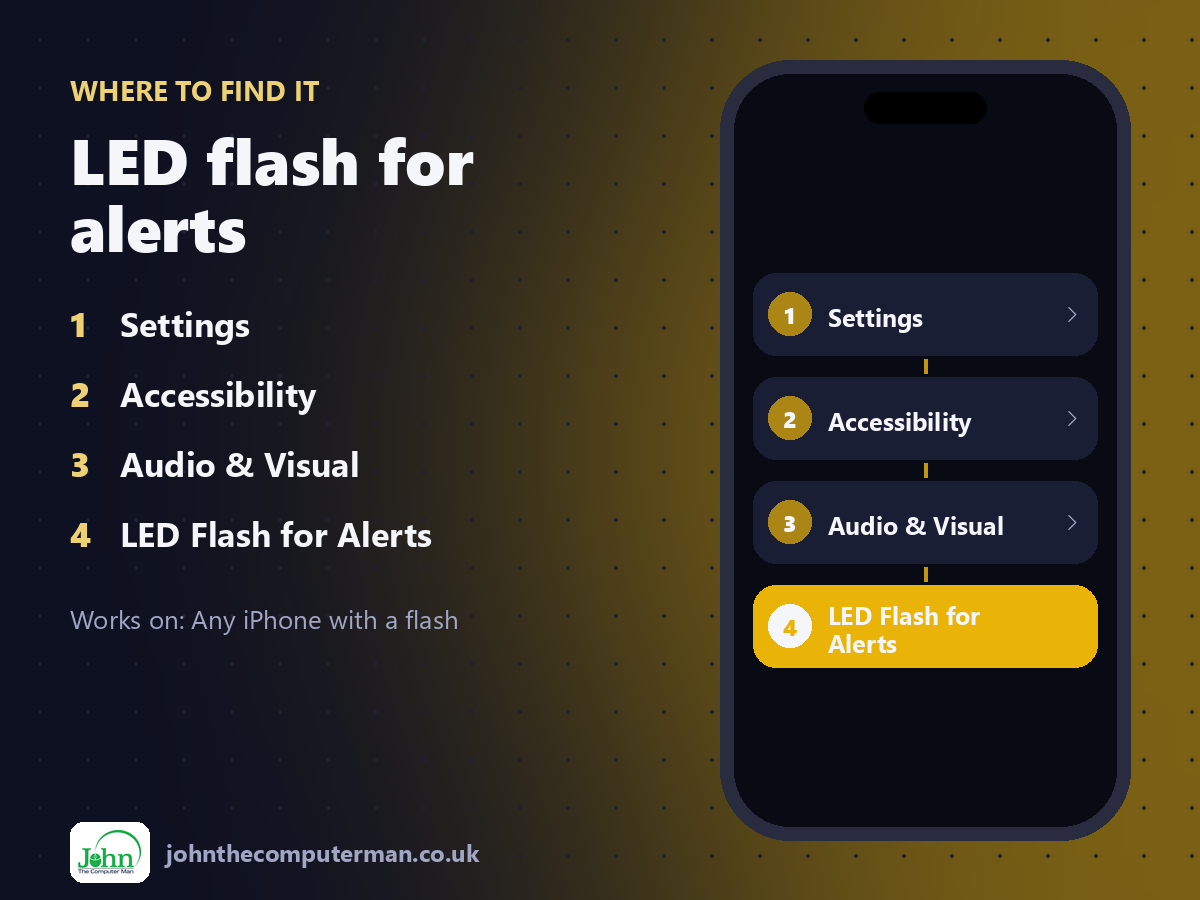
Settings > Accessibility > Audio & Visual > LED Flash for Alerts
LED flash for alerts: step by step
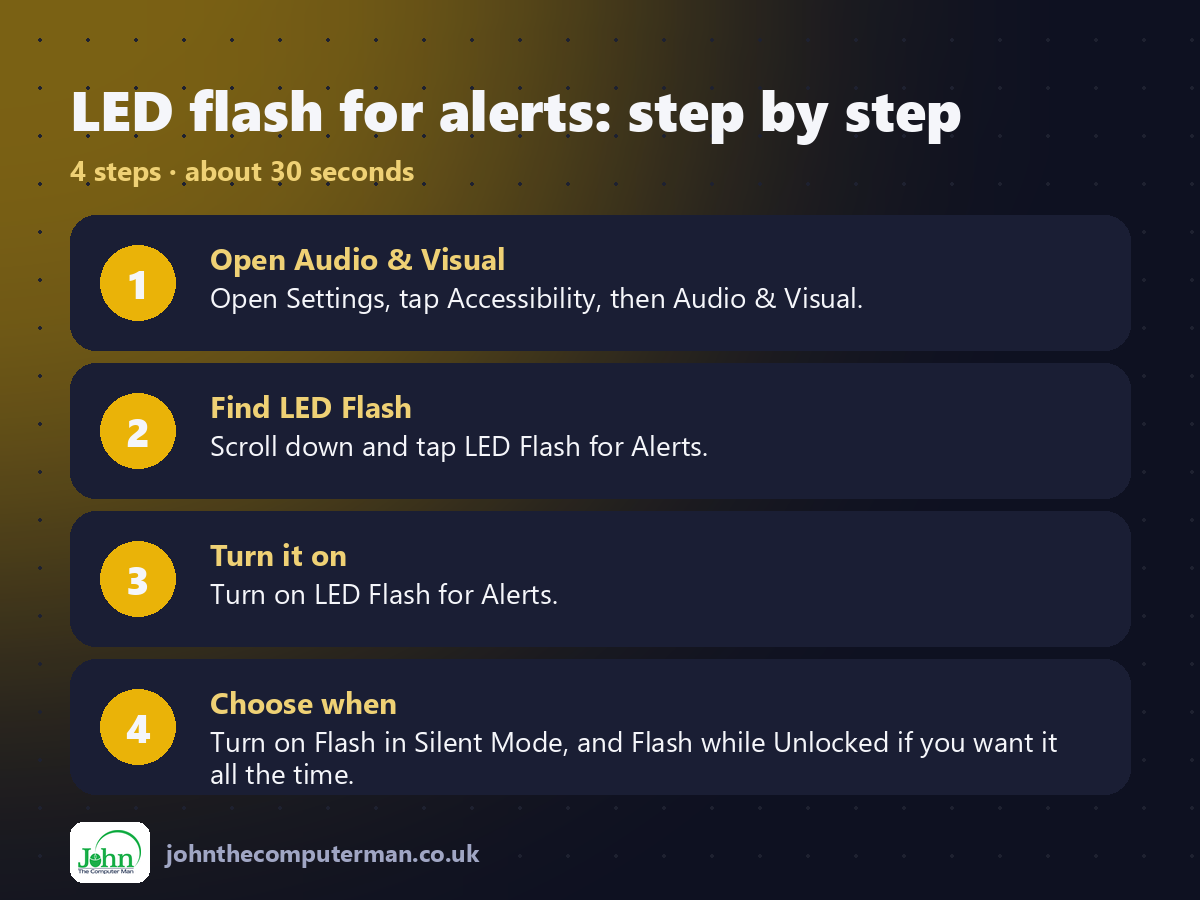
1. Open Audio & Visual. Open Settings, tap Accessibility, then Audio & Visual.
2. Find LED Flash. Scroll down and tap LED Flash for Alerts.
3. Turn it on. Turn on LED Flash for Alerts.
4. Choose when. Turn on Flash in Silent Mode, and Flash while Unlocked if you want it all the time.
2. Find LED Flash. Scroll down and tap LED Flash for Alerts.
3. Turn it on. Turn on LED Flash for Alerts.
4. Choose when. Turn on Flash in Silent Mode, and Flash while Unlocked if you want it all the time.
Pro tip
💡 Lay your phone face down. The flash is on the back, so you'll see it much more easily that way.
More tips
• It's great in noisy places like workshops, gyms and busy kitchens.
• Turn off Flash while Unlocked if it's distracting when you're using your phone.
• It won't flash for every app if Focus is silencing that app's notifications.
• Consider turning it off in the cinema or at night, as it's bright!
• Turn off Flash while Unlocked if it's distracting when you're using your phone.
• It won't flash for every app if Focus is silencing that app's notifications.
• Consider turning it off in the cinema or at night, as it's bright!
FAQ
Does it drain the battery?
Only a tiny amount per alert. You're unlikely to notice.
Why doesn't it flash?
By default it only works when the phone is locked. Turn on Flash while Unlocked to change that.