How to Make Your iPhone Read Text Out Loud With Speak Screen
Long emails, articles you'll never get round to, text that's just too small. Sometimes it's easier to listen.
Speak Screen reads everything on your screen out loud, and keeps going as it scrolls down the page.
What does Speak Screen do?
Speak Screen is an accessibility feature that reads the content of the whole screen aloud. Swipe down with two fingers from the top to start it, and a small controller lets you pause, skip and change the speed. Speak Selection reads just the text you highlight.
Takes: 1 minute · Works on: Any iPhone · Cost: free, built into your iPhone
Where to find it
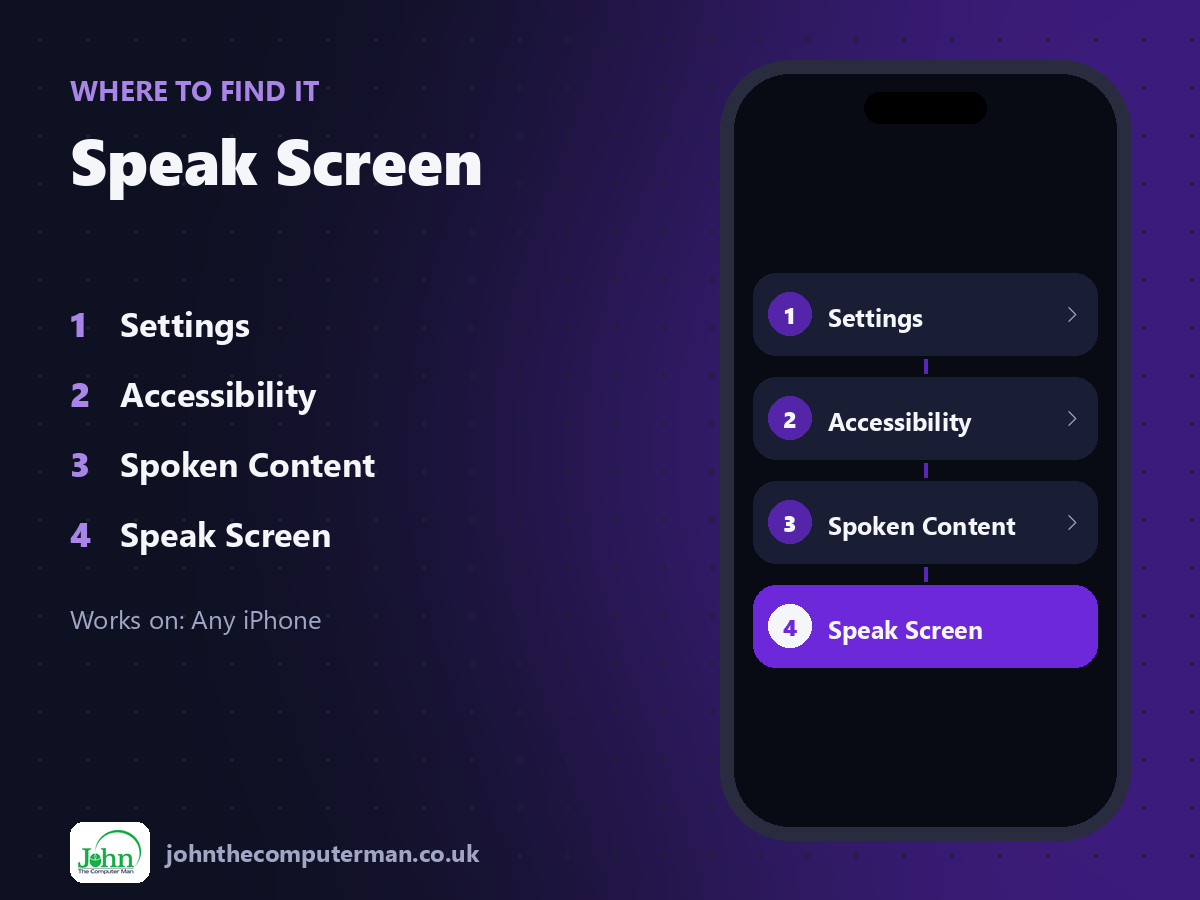
Settings > Accessibility > Spoken Content > Speak Screen
Speak Screen: step by step
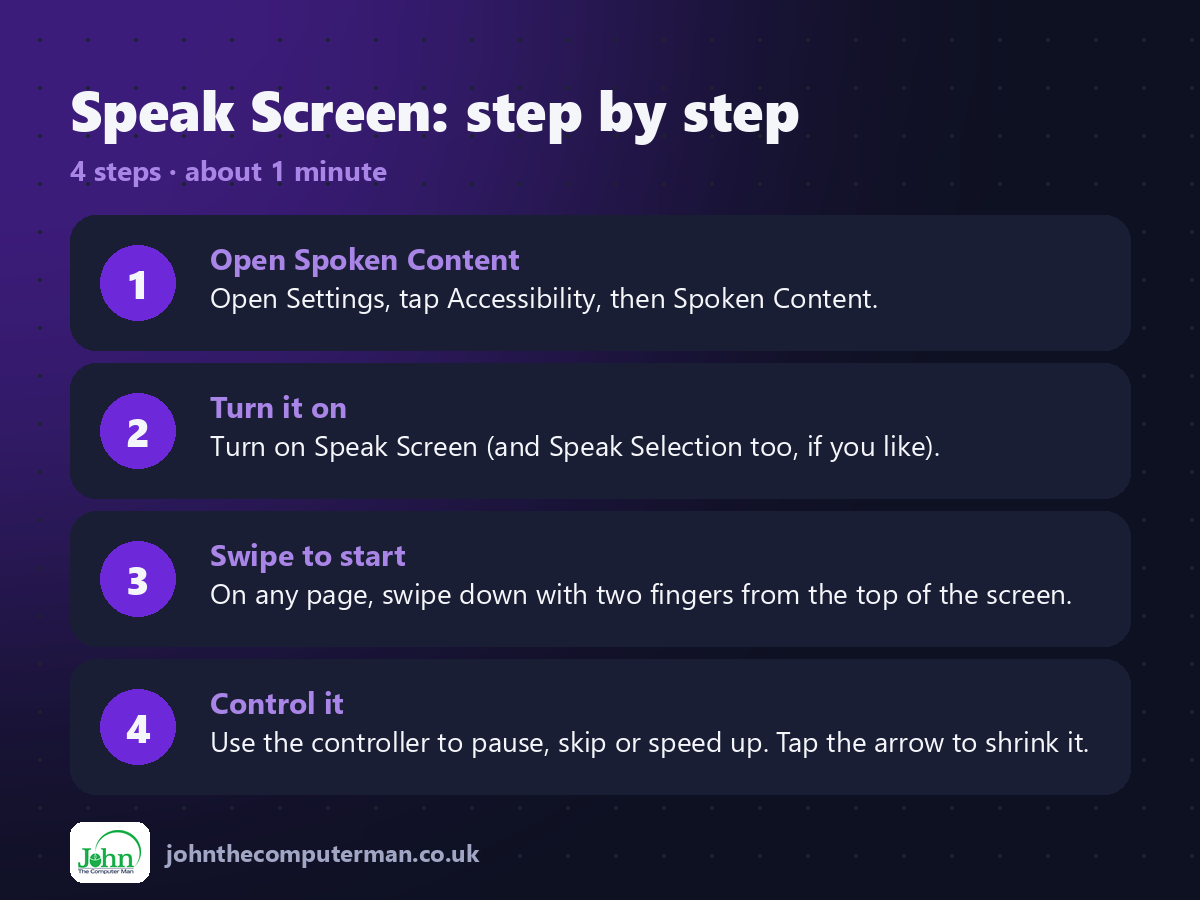
1. Open Spoken Content. Open Settings, tap Accessibility, then Spoken Content.
2. Turn it on. Turn on Speak Screen (and Speak Selection too, if you like).
3. Swipe to start. On any page, swipe down with two fingers from the top of the screen.
4. Control it. Use the controller to pause, skip or speed up. Tap the arrow to shrink it.
2. Turn it on. Turn on Speak Screen (and Speak Selection too, if you like).
3. Swipe to start. On any page, swipe down with two fingers from the top of the screen.
4. Control it. Use the controller to pause, skip or speed up. Tap the arrow to shrink it.
Pro tip
💡 Try different voices in Spoken Content > Voices. Some downloadable voices sound much more natural.
More tips
• Turn on Highlight Content to see each word as it's read.
• Say 'Hey Siri, speak screen' to start it hands-free.
• Great for people with dyslexia or visual impairment, and for listening while you cook.
• Change the speed with the rabbit and tortoise buttons.
• Say 'Hey Siri, speak screen' to start it hands-free.
• Great for people with dyslexia or visual impairment, and for listening while you cook.
• Change the speed with the rabbit and tortoise buttons.
FAQ
Does it work in every app?
In most apps with text. Some apps with images of text won't be read.
Can it read books?
Yes. It works in Apple Books and most reading apps, turning pages as it goes.