How to Play Rain and White Noise on iPhone With Background Sounds
White noise and rain sounds apps often want a monthly subscription. Your iPhone has them built in for free.
Background Sounds plays calming sounds like rain, ocean, stream or white noise, and can mix quietly under your music or podcasts.
What does Background Sounds do?
Background Sounds is an accessibility feature that plays continuous soothing sounds to help mask distracting noise. Choose from balanced, bright or dark noise, ocean, rain or stream. It can play on its own or quietly under other audio, and can stop automatically on a timer.
Takes: 1 minute · Works on: iOS 15 or later · Cost: free, built into your iPhone
Where to find it
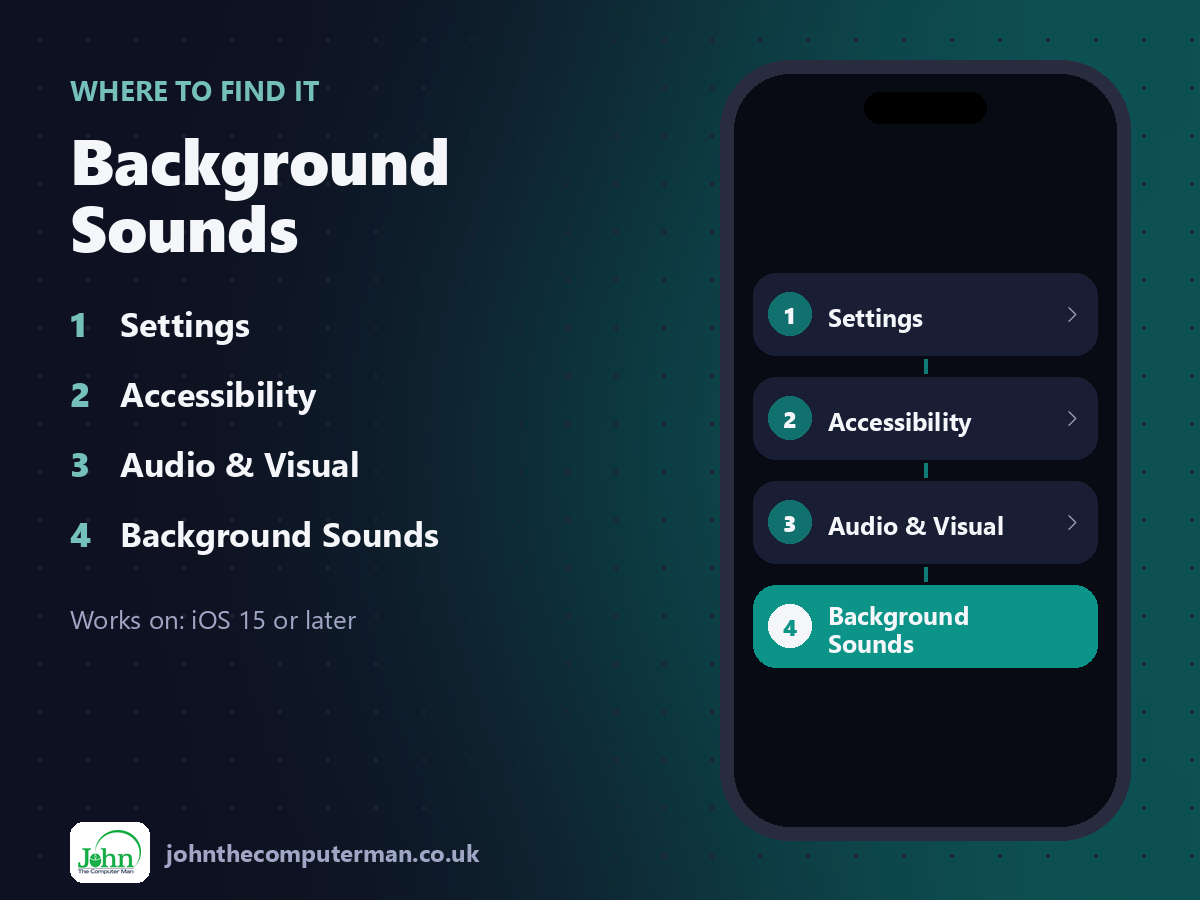
Settings > Accessibility > Audio & Visual > Background Sounds
Background Sounds: step by step
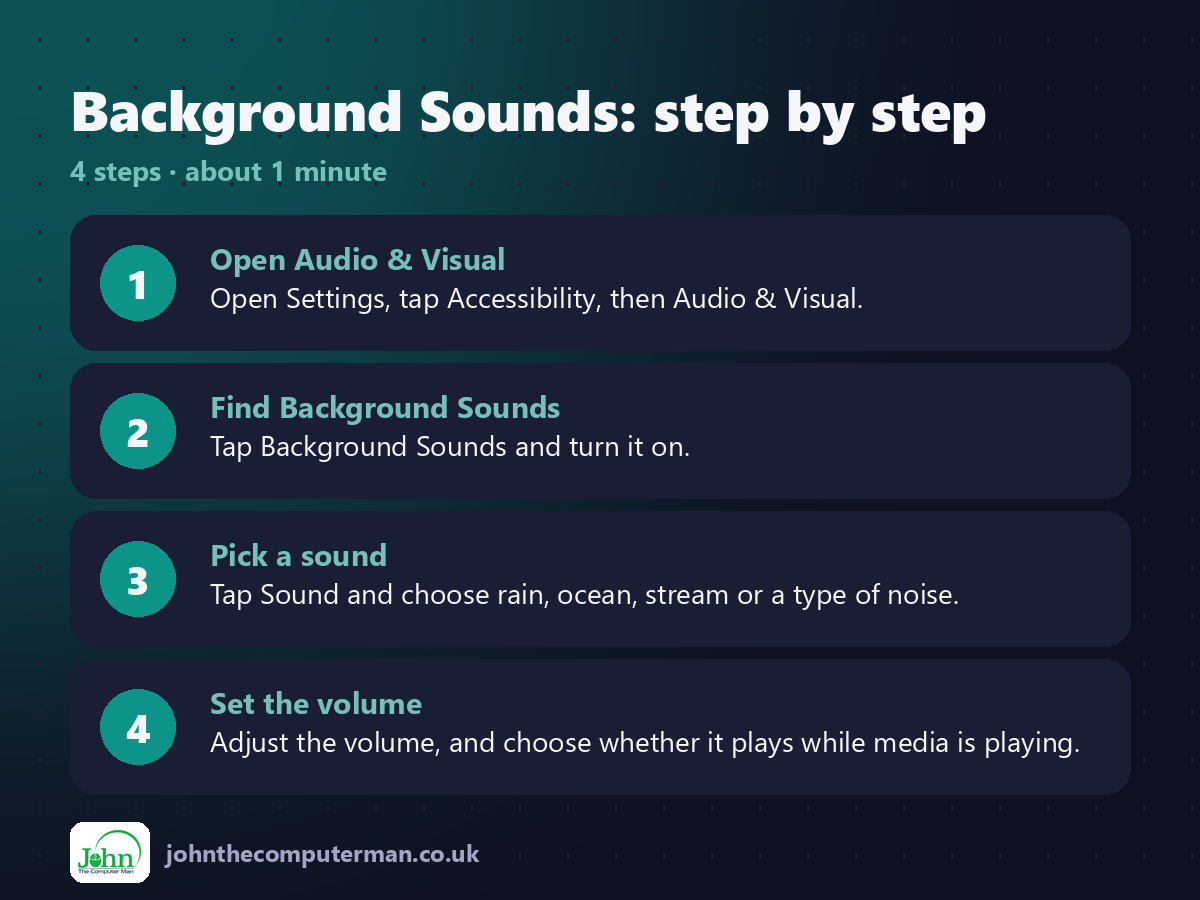
1. Open Audio & Visual. Open Settings, tap Accessibility, then Audio & Visual.
2. Find Background Sounds. Tap Background Sounds and turn it on.
3. Pick a sound. Tap Sound and choose rain, ocean, stream or a type of noise.
4. Set the volume. Adjust the volume, and choose whether it plays while media is playing.
2. Find Background Sounds. Tap Background Sounds and turn it on.
3. Pick a sound. Tap Sound and choose rain, ocean, stream or a type of noise.
4. Set the volume. Adjust the volume, and choose whether it plays while media is playing.
Pro tip
💡 Add Hearing to Control Centre. Then you can turn sounds on and off without digging through Settings.
More tips
• Turn off Stop Sounds When Locked if you want it to keep playing with the screen off.
• Try each sound for a minute. Many people like one for sleep and a different one for focus.
• Dark noise is deeper and often more relaxing than classic white noise.
• Great for open-plan offices, trains and noisy neighbours.
• Try each sound for a minute. Many people like one for sleep and a different one for focus.
• Dark noise is deeper and often more relaxing than classic white noise.
• Great for open-plan offices, trains and noisy neighbours.
FAQ
Does it use data?
The sounds download once, then play offline.
Can I use it with headphones?
Yes. It plays through whatever audio output you're using.