How to Schedule a Text Message on iPhone With Send Later
Remembering someone's birthday at 11pm, or thinking of a work question on Sunday night, but not wanting to send it just yet?
Since iOS 18, Messages has Send Later. Write the message now and your iPhone sends it at the time you choose.
What does Send Later do?
Send Later lets you schedule an iMessage up to 14 days in advance. Scheduled messages sit in the conversation with a dotted outline until they're sent, and you can edit the time, send them straight away or delete them before they go.
Takes: 30 seconds · Works on: iOS 18 or later · Cost: free, built into your iPhone
Where to find it
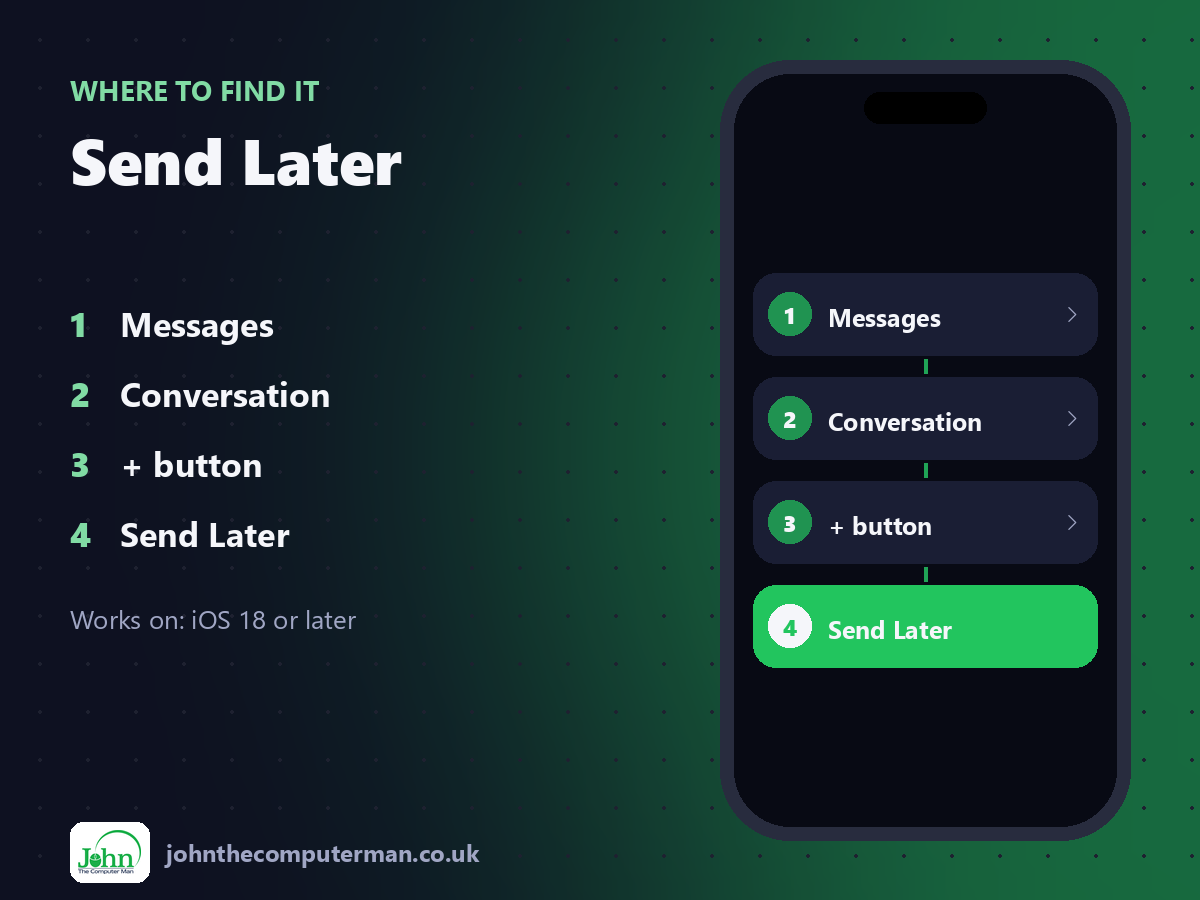
Messages > Conversation > + button > Send Later
Send Later: step by step
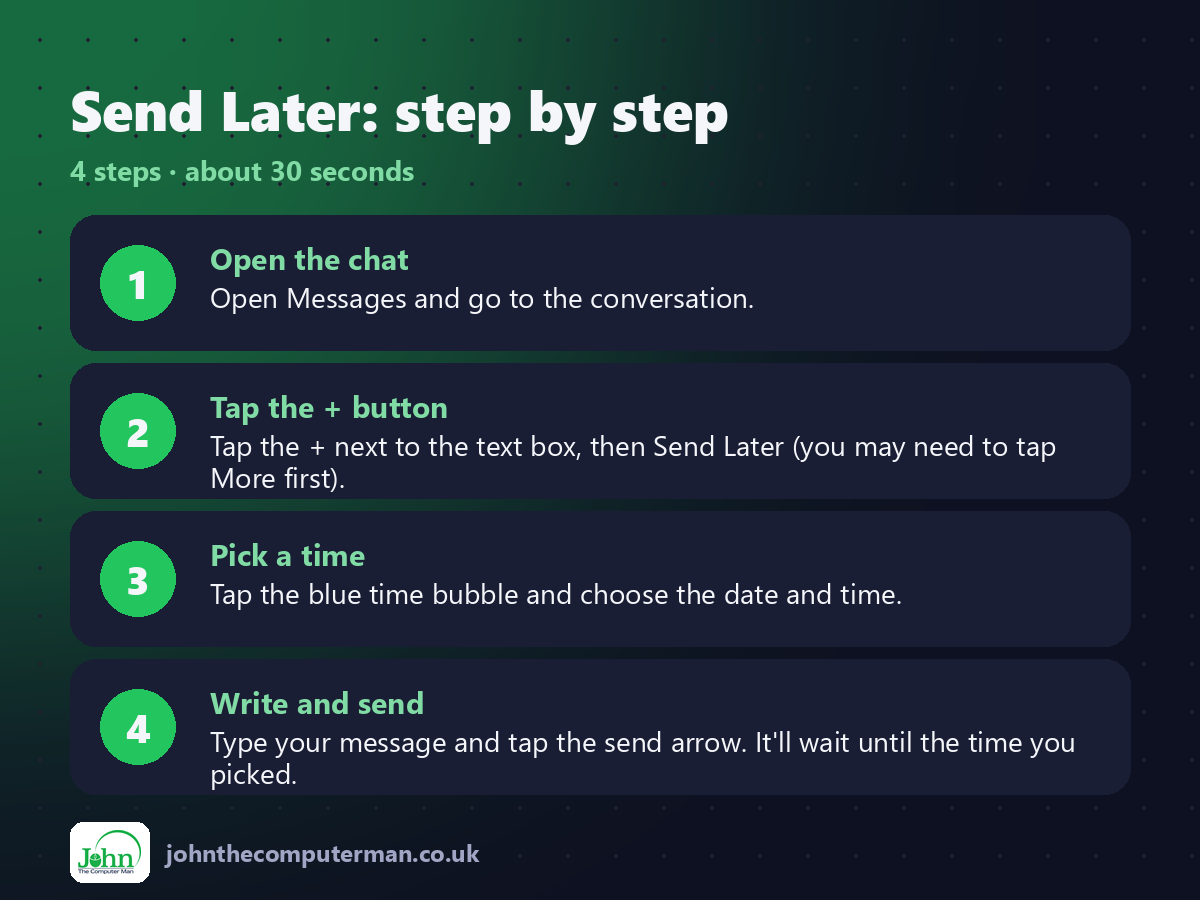
1. Open the chat. Open Messages and go to the conversation.
2. Tap the + button. Tap the + next to the text box, then Send Later (you may need to tap More first).
3. Pick a time. Tap the blue time bubble and choose the date and time.
4. Write and send. Type your message and tap the send arrow. It'll wait until the time you picked.
2. Tap the + button. Tap the + next to the text box, then Send Later (you may need to tap More first).
3. Pick a time. Tap the blue time bubble and choose the date and time.
4. Write and send. Type your message and tap the send arrow. It'll wait until the time you picked.
Pro tip
💡 Changed your mind? Tap Edit above the scheduled message to change the time, send it now or delete it.
More tips
• Send Later works with iMessage (blue bubbles), not SMS (green bubbles).
• Your iPhone doesn't need to be on or connected when the message goes out.
• Great for birthdays, reminders and not messaging colleagues outside work hours.
• You can schedule up to 14 days ahead.
• Your iPhone doesn't need to be on or connected when the message goes out.
• Great for birthdays, reminders and not messaging colleagues outside work hours.
• You can schedule up to 14 days ahead.
FAQ
Does the other person know it was scheduled?
No. It arrives like any other message.
Can I schedule a text to an Android phone?
Not with Send Later. It only works with iMessage. Use a reminder instead.