How to Set Up Focus on iPhone: Silence Distractions, Not Important People
Do Not Disturb is all or nothing. Either your phone buzzes constantly, or you miss the call from school.
Focus fixes that. You choose exactly which people and apps can still reach you, and everything else waits quietly.
What does Focus modes do?
Focus is a smarter Do Not Disturb. You can make different Focuses for work, sleep, personal time or driving, each with its own list of allowed people and apps. Focuses can turn on automatically at a set time or place, and can share your status so people know you're busy.
Takes: 3 minutes · Works on: iOS 15 or later · Cost: free, built into your iPhone
Where to find it
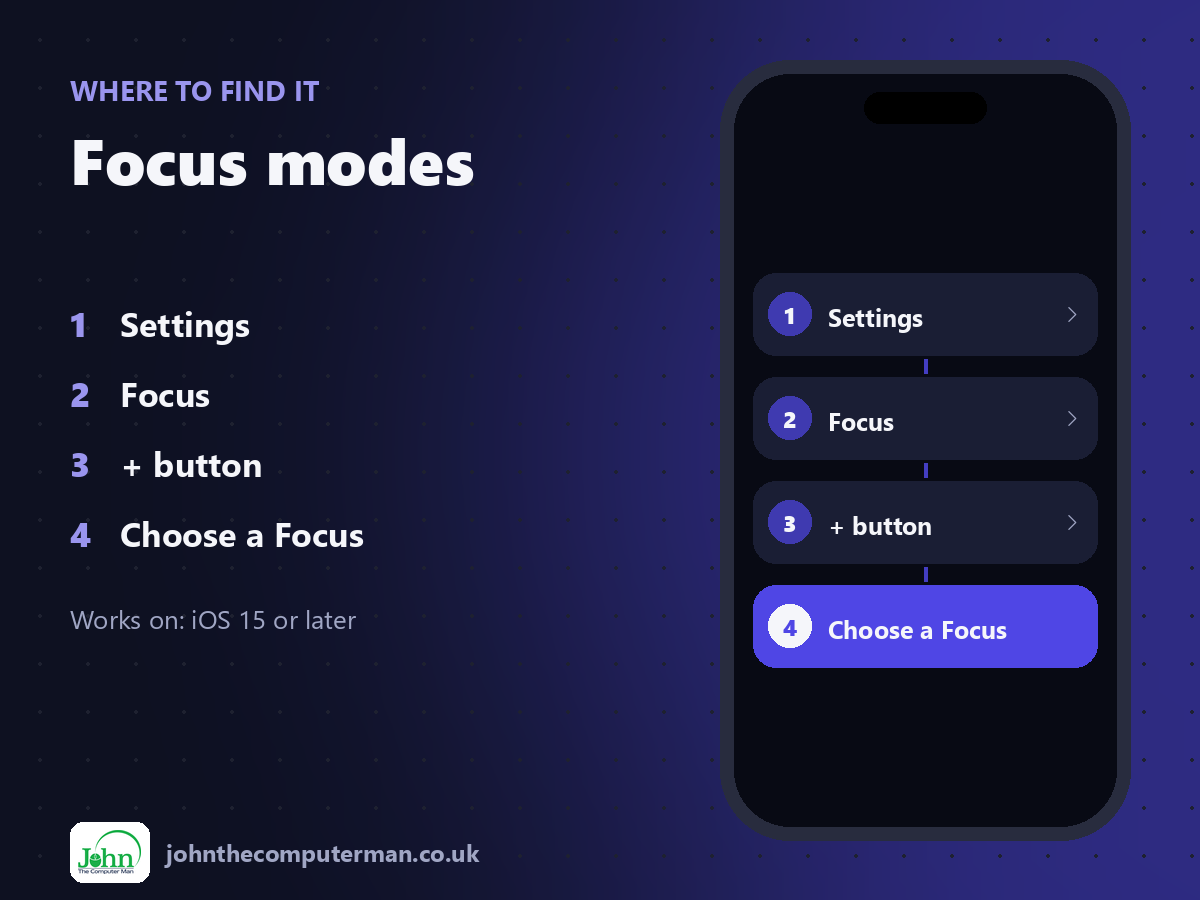
Settings > Focus > + button > Choose a Focus
Focus modes: step by step
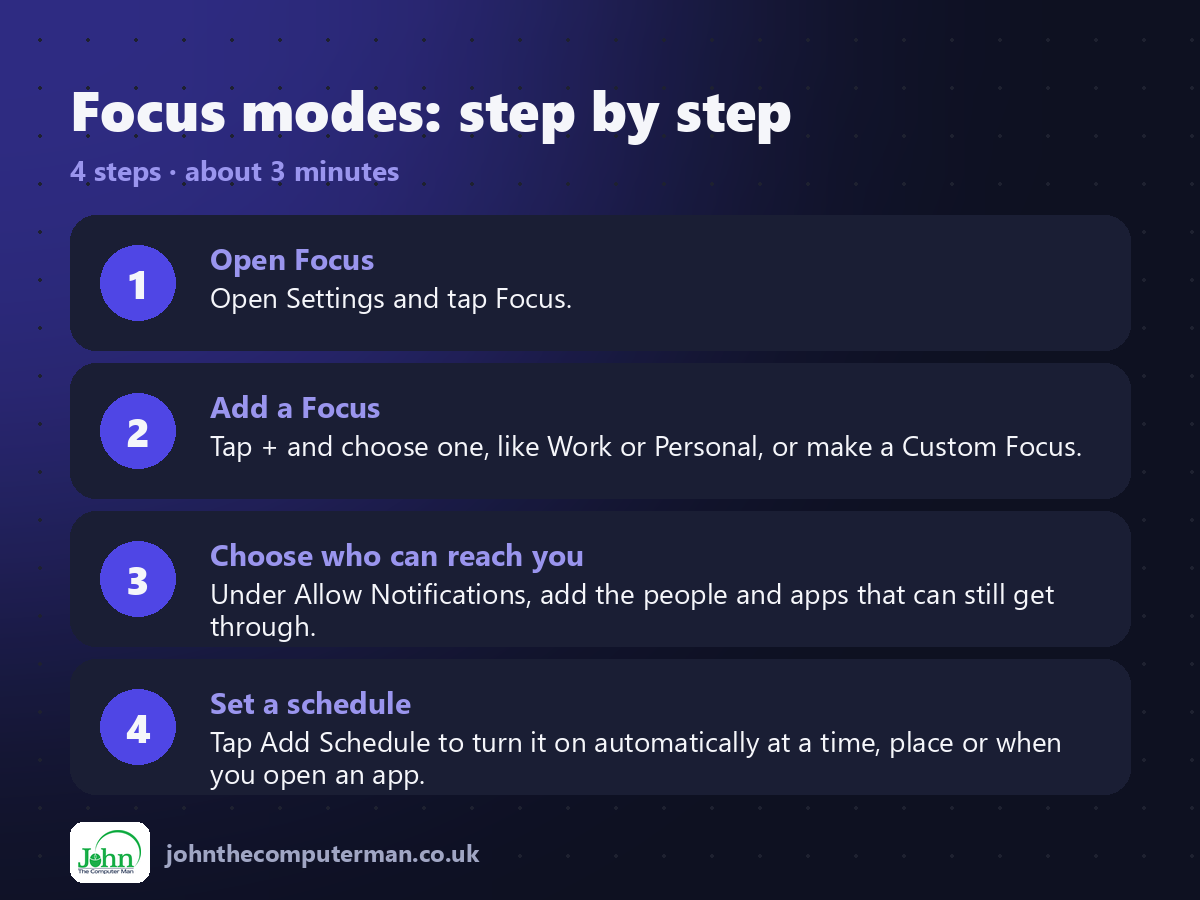
1. Open Focus. Open Settings and tap Focus.
2. Add a Focus. Tap + and choose one, like Work or Personal, or make a Custom Focus.
3. Choose who can reach you. Under Allow Notifications, add the people and apps that can still get through.
4. Set a schedule. Tap Add Schedule to turn it on automatically at a time, place or when you open an app.
2. Add a Focus. Tap + and choose one, like Work or Personal, or make a Custom Focus.
3. Choose who can reach you. Under Allow Notifications, add the people and apps that can still get through.
4. Set a schedule. Tap Add Schedule to turn it on automatically at a time, place or when you open an app.
Pro tip
💡 Turn a Focus on or off quickly: swipe down from the top-right corner to open Control Centre and tap Focus.
More tips
• Calls from the same person twice within three minutes can get through. Turn on Allow Repeated Calls for emergencies.
• You can pick a Lock Screen and Home Screen page for each Focus, hiding distracting apps during work.
• Turn on Share Across Devices to have your Focus follow you to your iPad and Mac.
• Sleep Focus works with your sleep schedule in the Health app.
• You can pick a Lock Screen and Home Screen page for each Focus, hiding distracting apps during work.
• Turn on Share Across Devices to have your Focus follow you to your iPad and Mac.
• Sleep Focus works with your sleep schedule in the Health app.
FAQ
Will people know I have Focus on?
Only if Focus Status is on. Then Messages tells them you have notifications silenced, but not which Focus.
What happens to silenced notifications?
They're still delivered. You'll find them in Notification Centre when the Focus ends.