How to Share Passwords With Family Safely on iPhone
The streaming password, the Wi-Fi, the supermarket account, the energy bill login. Families share lots of passwords, usually by text.
A shared password group keeps them in one secure place. Everyone in the group can use them, and when one changes, it changes for everyone.
What does Share passwords do?
Shared groups in the Passwords app let you share chosen passwords and passkeys with people you trust. They're end-to-end encrypted, appear in AutoFill for everyone in the group, and stay up to date when anyone changes one.
Takes: 3 minutes · Works on: iOS 17 or later · Cost: free, built into your iPhone
Where to find it
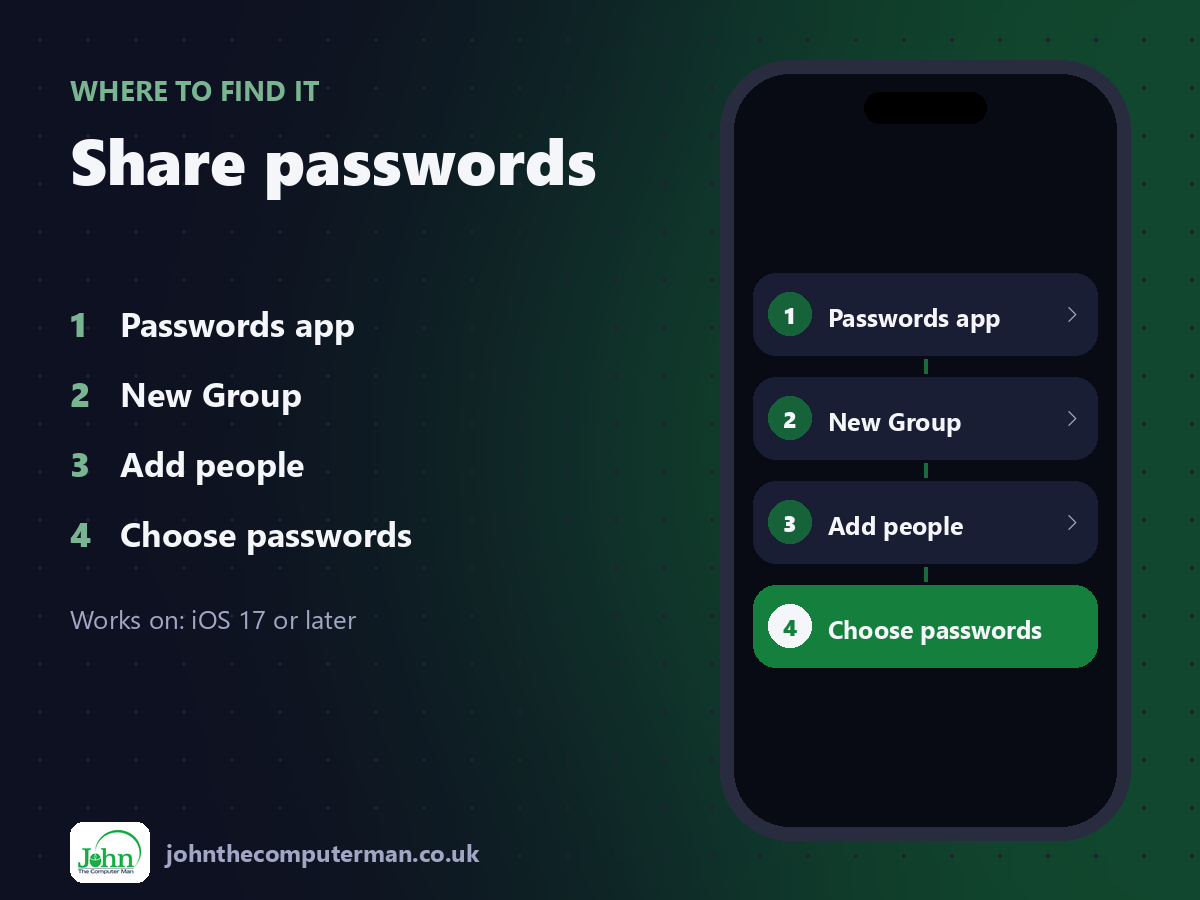
Passwords app > New Group > Add people > Choose passwords
Share passwords: step by step
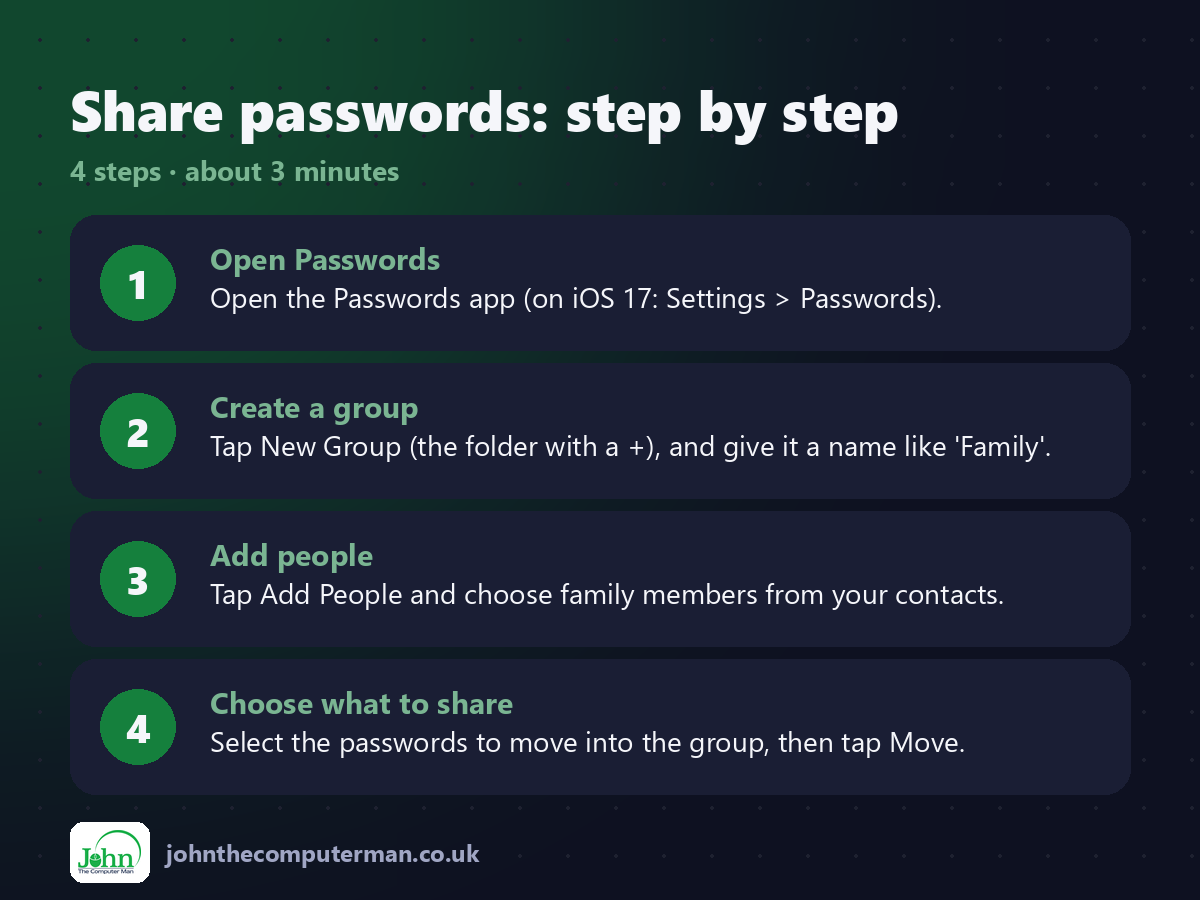
1. Open Passwords. Open the Passwords app (on iOS 17: Settings > Passwords).
2. Create a group. Tap New Group (the folder with a +), and give it a name like 'Family'.
3. Add people. Tap Add People and choose family members from your contacts.
4. Choose what to share. Select the passwords to move into the group, then tap Move.
2. Create a group. Tap New Group (the folder with a +), and give it a name like 'Family'.
3. Add people. Tap Add People and choose family members from your contacts.
4. Choose what to share. Select the passwords to move into the group, then tap Move.
Pro tip
💡 Only share what's needed. Keep your email and banking passwords out of shared groups.
More tips
• Everyone needs iOS 17 or later and must be in your contacts.
• You can remove someone from the group at any time. Change the passwords afterwards.
• For a one-off, share a single password with AirDrop from its entry.
• The group owner can see who's a member and manage it.
• You can remove someone from the group at any time. Change the passwords afterwards.
• For a one-off, share a single password with AirDrop from its entry.
• The group owner can see who's a member and manage it.
FAQ
Can group members see my other passwords?
No. Only the passwords you move into the group are shared.
Does it work with Android?
No. Shared groups need Apple devices. Use a cross-platform password manager for mixed families.