How to Stop Strangers AirDropping You: iPhone AirDrop Settings Explained
Unsolicited AirDrops from strangers on public transport are unpleasant and more common than you'd think.
A quick settings change means only people in your contacts can AirDrop you, with a 10-minute window when you need to receive from someone else.
What does AirDrop settings do?
AirDrop sends photos, files and links between nearby Apple devices. You control who can see you: Receiving Off, Contacts Only, or Everyone for 10 Minutes, which switches back to Contacts Only automatically.
Takes: 30 seconds · Works on: iOS 16.2 or later · Cost: free, built into your iPhone
Where to find it
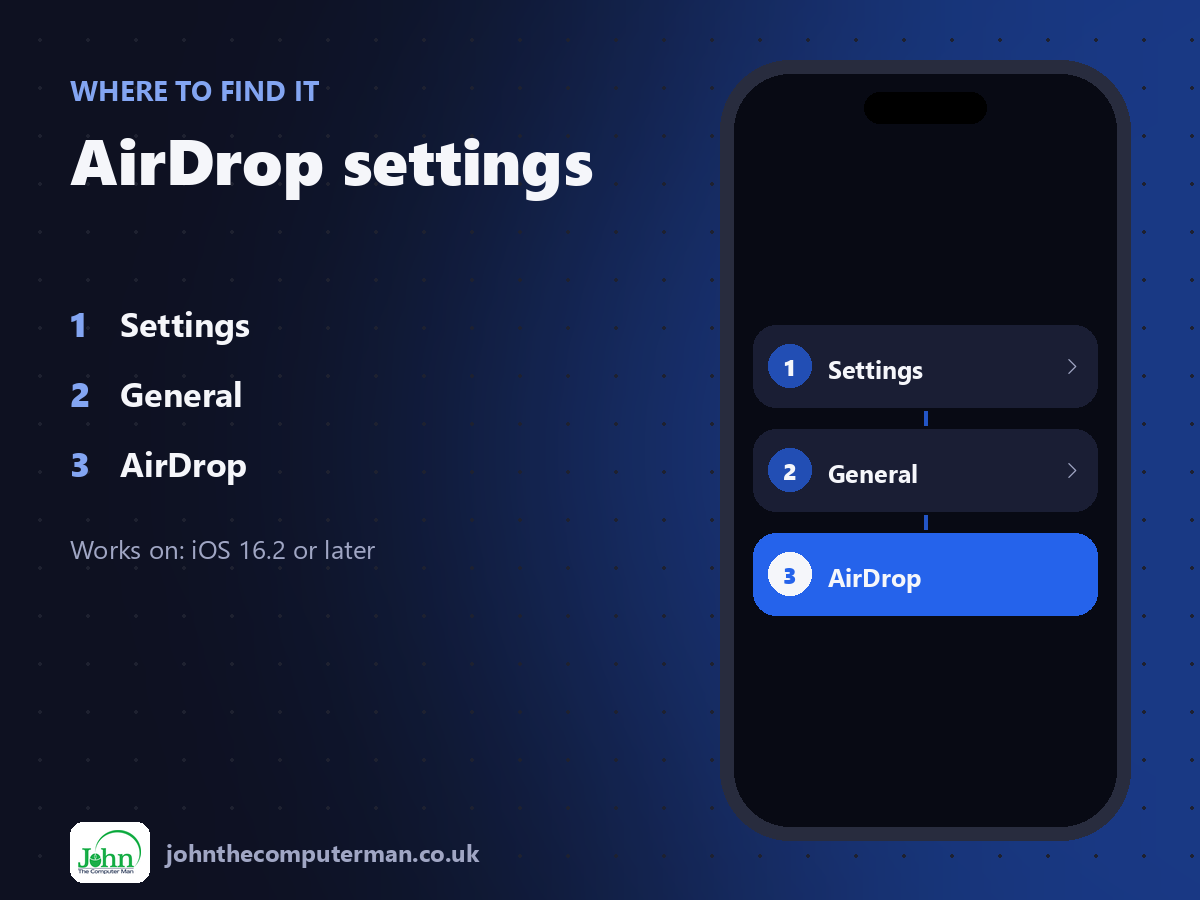
Settings > General > AirDrop
AirDrop settings: step by step
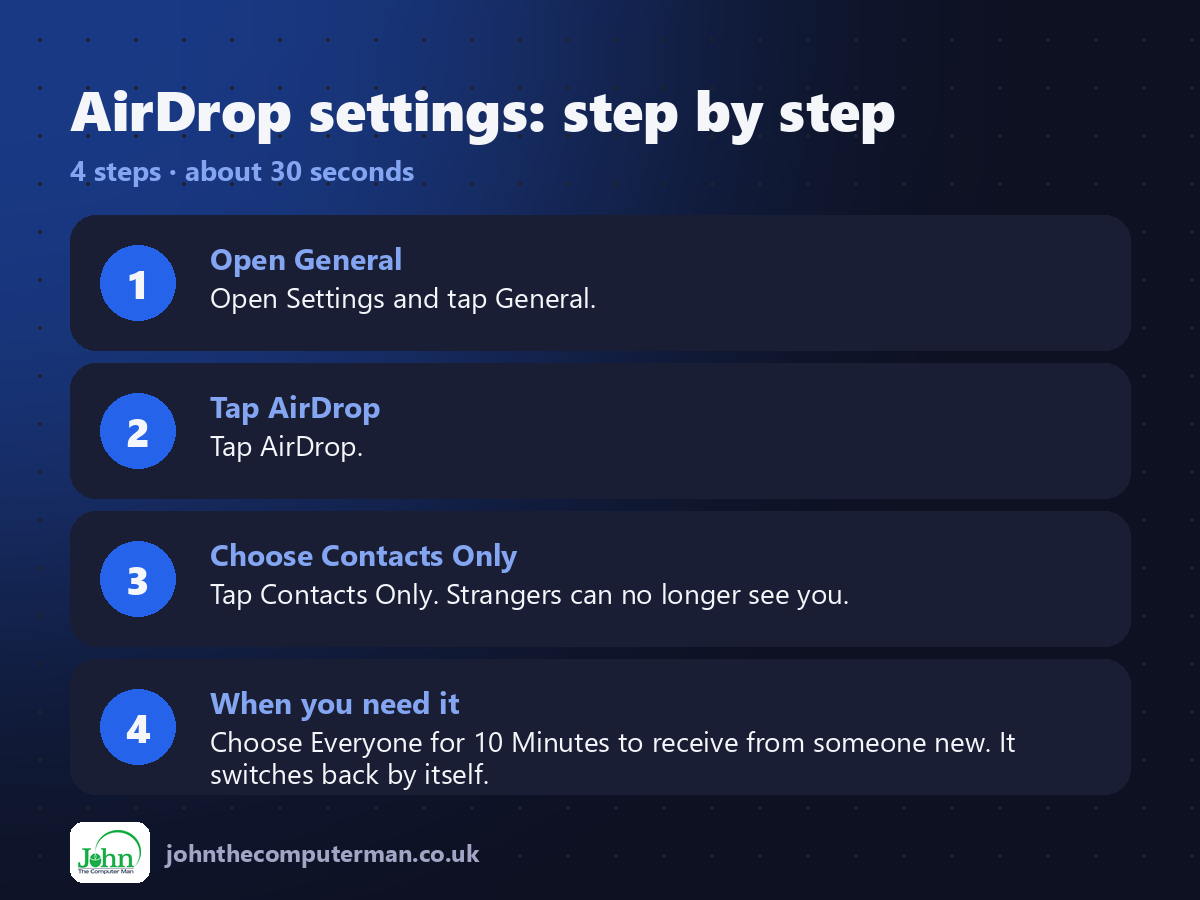
1. Open General. Open Settings and tap General.
2. Tap AirDrop. Tap AirDrop.
3. Choose Contacts Only. Tap Contacts Only. Strangers can no longer see you.
4. When you need it. Choose Everyone for 10 Minutes to receive from someone new. It switches back by itself.
2. Tap AirDrop. Tap AirDrop.
3. Choose Contacts Only. Tap Contacts Only. Strangers can no longer see you.
4. When you need it. Choose Everyone for 10 Minutes to receive from someone new. It switches back by itself.
Pro tip
💡 Rename your iPhone so strangers don't see your full name: Settings > General > About > Name.
More tips
• You can change the setting quickly from Control Centre: press and hold the Wi-Fi tile, then tap AirDrop.
• Contacts Only works when their email or phone number is saved on your contact card for them.
• Received something unpleasant? Decline it, then report it to the police if you feel harassed.
• Bring two iPhones close together to start sharing with NameDrop.
• Contacts Only works when their email or phone number is saved on your contact card for them.
• Received something unpleasant? Decline it, then report it to the police if you feel harassed.
• Bring two iPhones close together to start sharing with NameDrop.
FAQ
Can strangers see my AirDrop name?
Only if you're set to Everyone. Rename your iPhone to something that doesn't include your full name.
Why can't my friend see me?
Their phone number or email must be in your contact card for them. Or switch to Everyone for 10 Minutes.