How to Take a Full-Page Screenshot on iPhone (and Save It as a PDF)
Saving a recipe, a booking confirmation or a long article usually means taking six screenshots and hoping you didn't miss a bit.
In Safari, your iPhone can capture the entire page in one screenshot, top to bottom, and save it as a PDF.
What does Full-page screenshot do?
When you take a screenshot of a web page in Safari, a Full Page option appears alongside the normal Screen view. It captures the whole page, however long it is, and saves it as a PDF in the Files app. You can mark it up before saving.
Takes: 30 seconds · Works on: iOS 13 or later · Cost: free, built into your iPhone
Where to find it
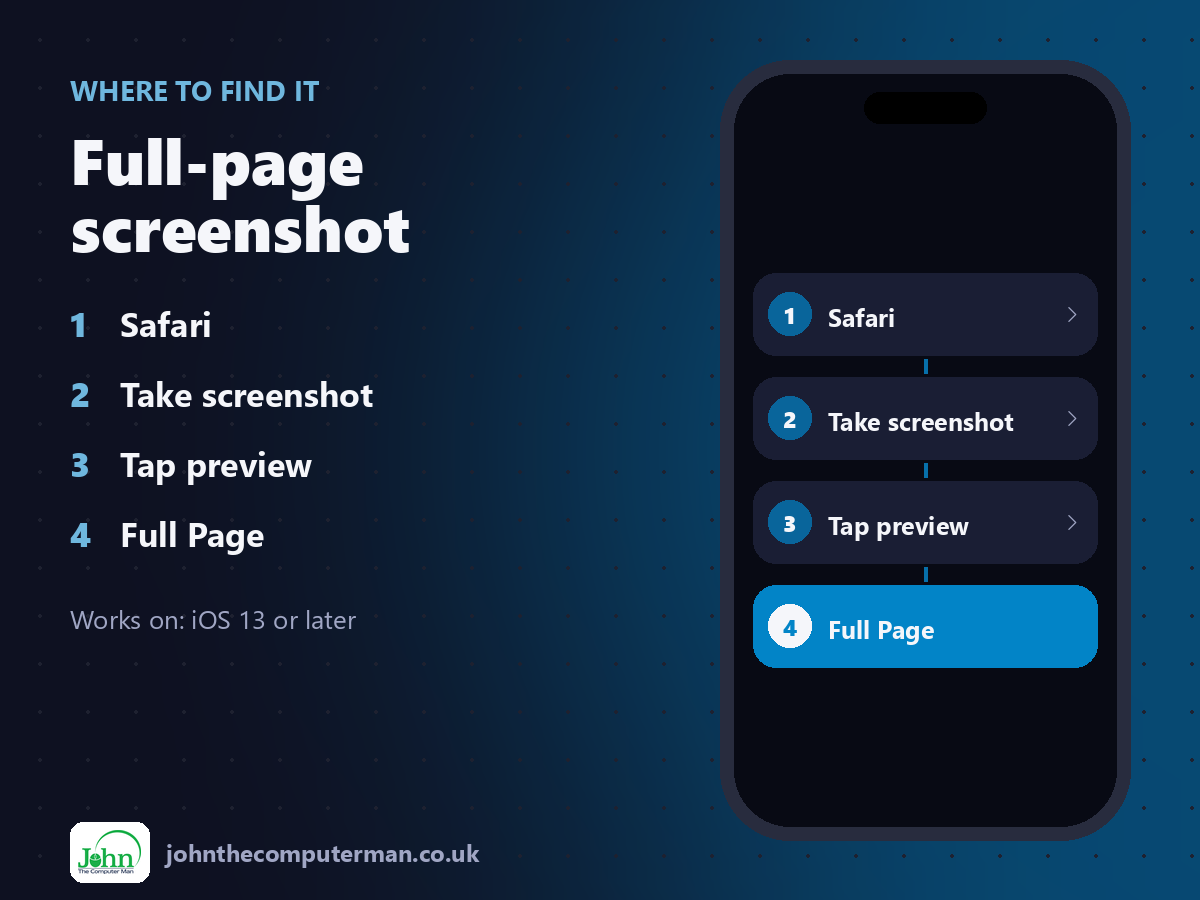
Safari > Take screenshot > Tap preview > Full Page
Full-page screenshot: step by step
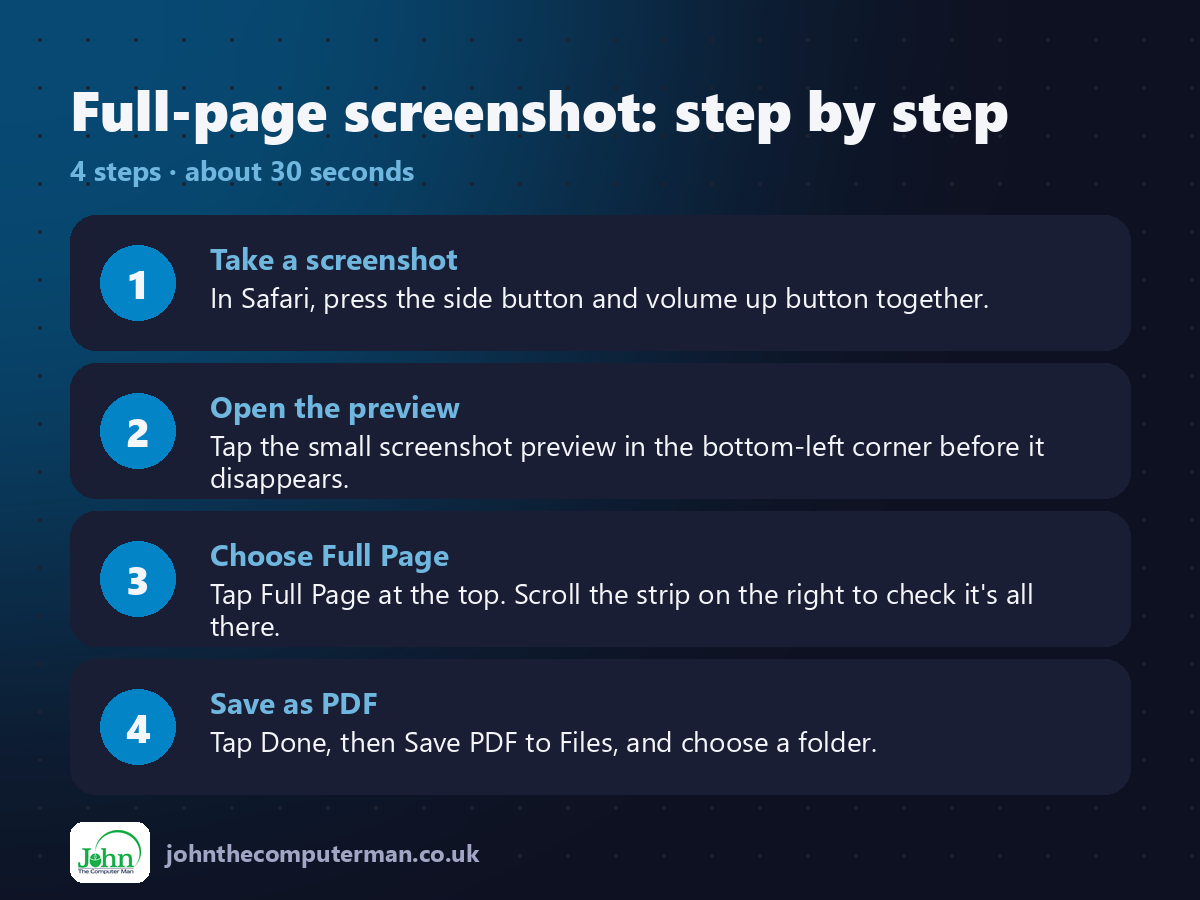
1. Take a screenshot. In Safari, press the side button and volume up button together.
2. Open the preview. Tap the small screenshot preview in the bottom-left corner before it disappears.
3. Choose Full Page. Tap Full Page at the top. Scroll the strip on the right to check it's all there.
4. Save as PDF. Tap Done, then Save PDF to Files, and choose a folder.
2. Open the preview. Tap the small screenshot preview in the bottom-left corner before it disappears.
3. Choose Full Page. Tap Full Page at the top. Scroll the strip on the right to check it's all there.
4. Save as PDF. Tap Done, then Save PDF to Files, and choose a folder.
Pro tip
💡 Use the crop tool before saving to trim off adverts and menus. You get a clean PDF with just the bit you want.
More tips
• It also works in some other Apple apps, like Mail and Notes.
• Before saving, tap the pen icon to highlight or add notes.
• Tap Share instead of Done to send the PDF straight to someone.
• Using Back Tap? Set it to Screenshot and you won't even need the buttons.
• Before saving, tap the pen icon to highlight or add notes.
• Tap Share instead of Done to send the PDF straight to someone.
• Using Back Tap? Set it to Screenshot and you won't even need the buttons.
FAQ
Why don't I see Full Page?
It only appears for screenshots of pages in Safari and some Apple apps. Tap the preview straight away, before it slides off screen.
Can I save it to Photos instead?
Full-page screenshots save as PDFs to Files. Choose Screen instead if you need a normal image in Photos.