How to Translate a Conversation on iPhone With the Translate App
Asking directions abroad, chatting with a neighbour, checking in at a hotel. A language barrier makes simple things hard.
The Translate app, built into your iPhone, can translate a back-and-forth conversation out loud, and works offline if you download the languages.
What does Translate conversations do?
Translate is a free Apple app for text, voice and camera translation. Conversation mode listens to both of you, works out which language is being spoken, and speaks the translation aloud. Downloaded languages work without an internet connection.
Takes: 1 minute · Works on: iOS 14 or later · Cost: free, built into your iPhone
Where to find it
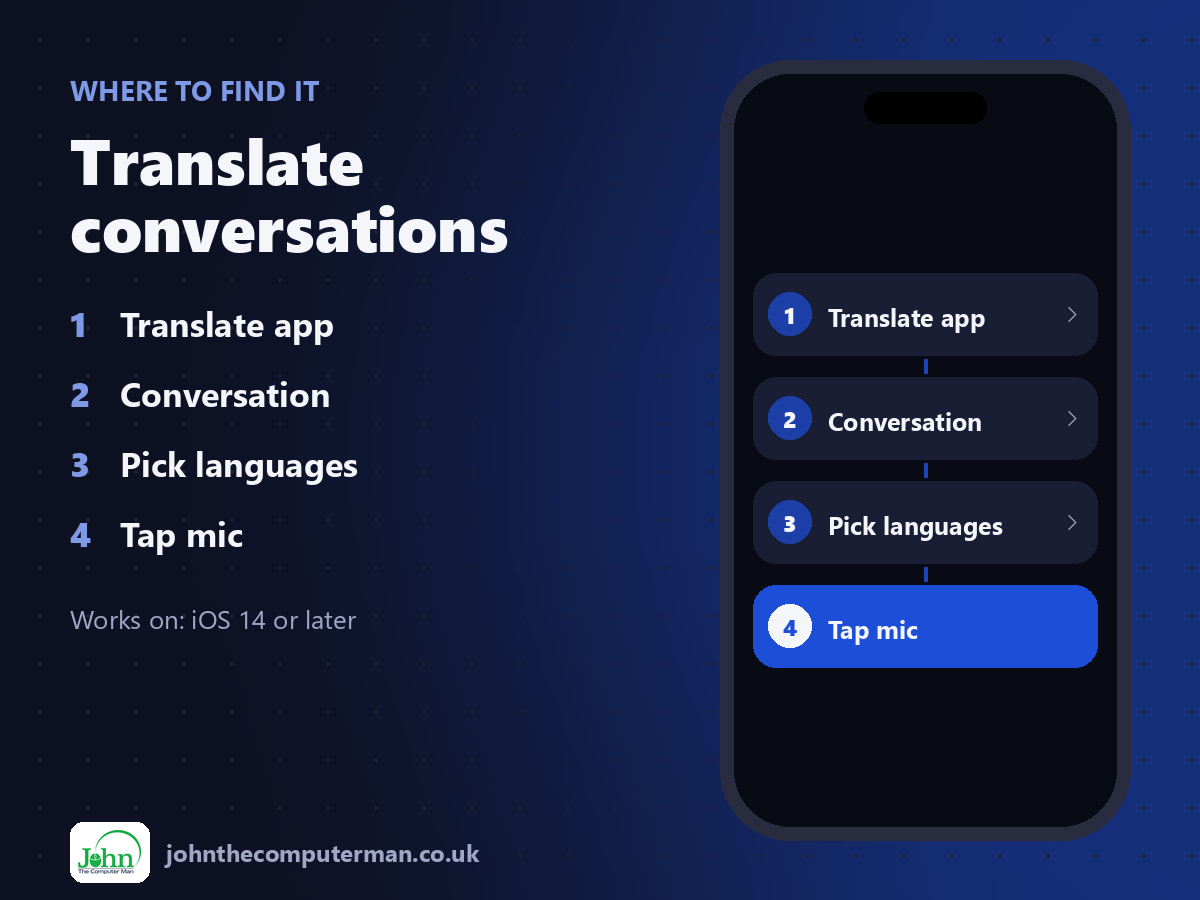
Translate app > Conversation > Pick languages > Tap mic
Translate conversations: step by step
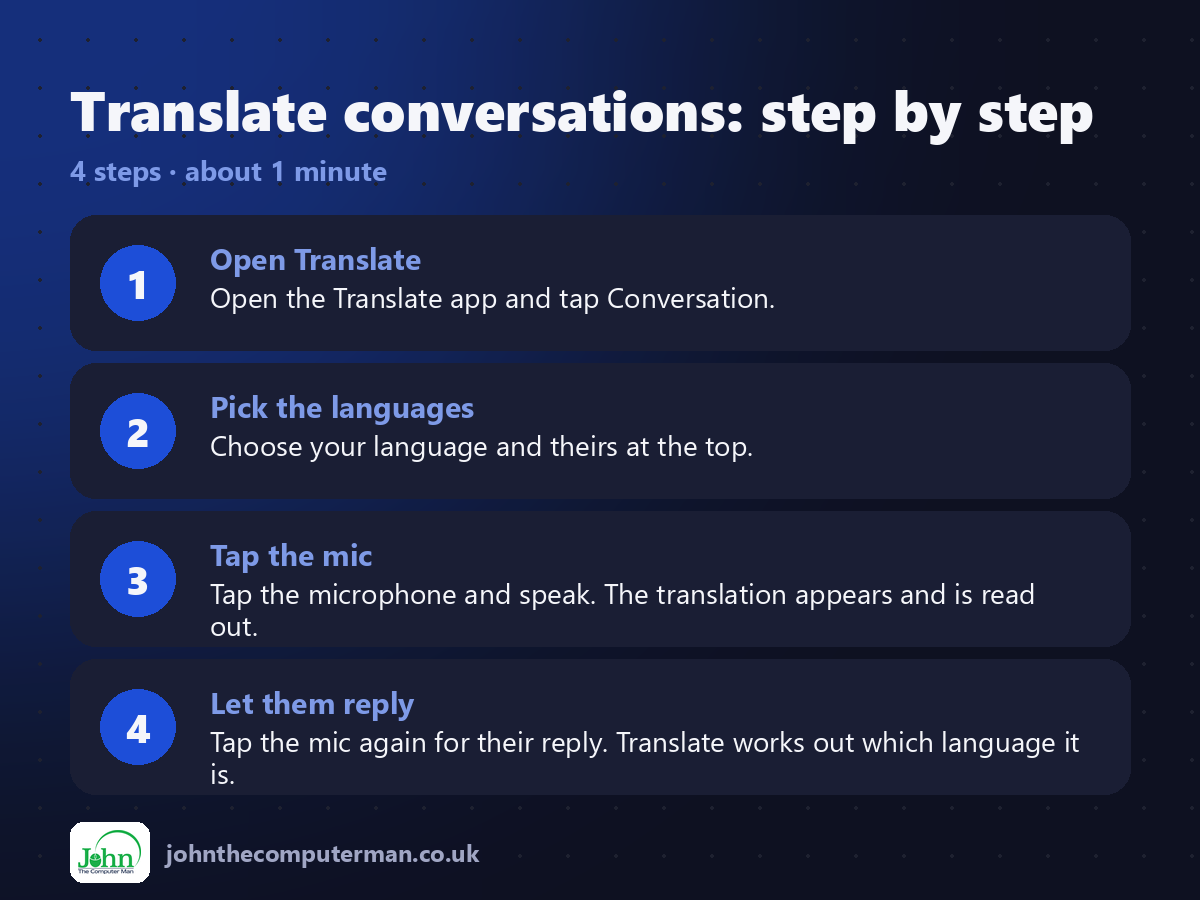
1. Open Translate. Open the Translate app and tap Conversation.
2. Pick the languages. Choose your language and theirs at the top.
3. Tap the mic. Tap the microphone and speak. The translation appears and is read out.
4. Let them reply. Tap the mic again for their reply. Translate works out which language it is.
2. Pick the languages. Choose your language and theirs at the top.
3. Tap the mic. Tap the microphone and speak. The translation appears and is read out.
4. Let them reply. Tap the mic again for their reply. Translate works out which language it is.
Pro tip
💡 Download languages before you travel. Tap a language, then download it, so Translate works with no signal.
More tips
• Turn on Auto Translate so you don't need to tap the mic each time.
• Use Face to Face view so each person sees the text the right way up across a table.
• The Camera tab translates menus and signs live.
• Save useful phrases to Favourites for quick access.
• Use Face to Face view so each person sees the text the right way up across a table.
• The Camera tab translates menus and signs live.
• Save useful phrases to Favourites for quick access.
FAQ
Does Translate work offline?
Yes, for any languages you've downloaded.
Which languages are supported?
Around 20 major languages, including Spanish, French, German, Italian, Portuguese, Chinese, Japanese and Arabic.