How to Update Your iPhone and Turn On Automatic Updates
'Remind Me Later' is the most tapped button on any iPhone. But many updates fix security problems that criminals are already using.
Turn on automatic updates and your iPhone installs them overnight while it's charging, so you never have to think about it.
What does Automatic updates do?
iOS updates bring security fixes, bug fixes and new features. With Automatic Updates on, your iPhone downloads updates on Wi-Fi and installs them overnight while charging and locked. Urgent security fixes can be delivered even faster.
Takes: 1 minute · Works on: Any iPhone · Cost: free, built into your iPhone
Where to find it
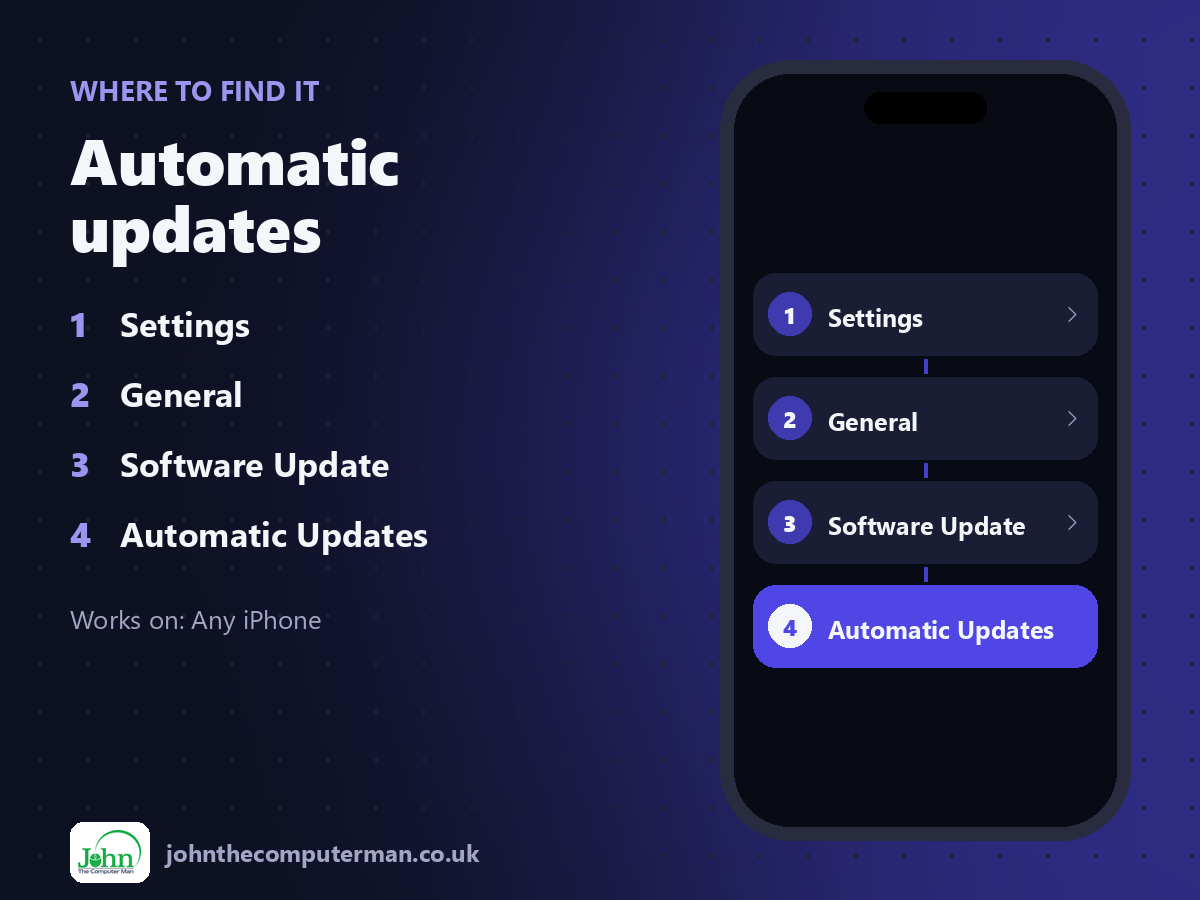
Settings > General > Software Update > Automatic Updates
Automatic updates: step by step
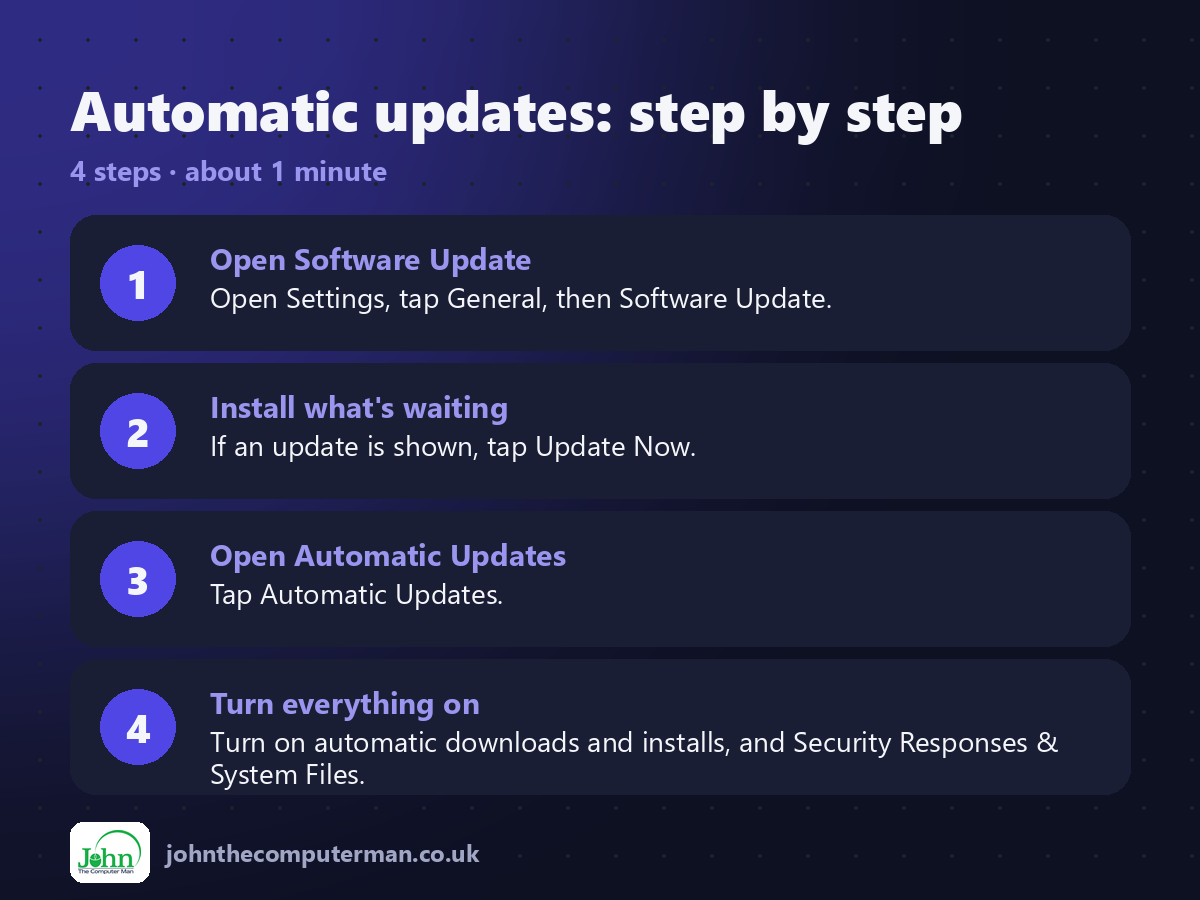
1. Open Software Update. Open Settings, tap General, then Software Update.
2. Install what's waiting. If an update is shown, tap Update Now.
3. Open Automatic Updates. Tap Automatic Updates.
4. Turn everything on. Turn on automatic downloads and installs, and Security Responses & System Files.
2. Install what's waiting. If an update is shown, tap Update Now.
3. Open Automatic Updates. Tap Automatic Updates.
4. Turn everything on. Turn on automatic downloads and installs, and Security Responses & System Files.
Pro tip
💡 Back up first for big updates. Then plug in, connect to Wi-Fi and let it run overnight.
More tips
• Updates need your iPhone to be charging, on Wi-Fi and locked.
• Not enough storage? Your iPhone can temporarily remove apps and put them back afterwards.
• Update your apps too: App Store > your picture > Update All.
• Older iPhones still get security updates for years, even without the newest iOS.
• Not enough storage? Your iPhone can temporarily remove apps and put them back afterwards.
• Update your apps too: App Store > your picture > Update All.
• Older iPhones still get security updates for years, even without the newest iOS.
FAQ
Do updates slow down my iPhone?
It may feel slower for a day while it reorganises in the background, then settle.
Should I wait before updating?
Security updates are worth installing quickly. For big new versions, waiting a week or two is reasonable.