How to Use Dictation on iPhone to Type With Your Voice
Long messages on a tiny keyboard are slow, and typos creep in everywhere.
Dictation lets you speak instead. Your iPhone types what you say, adds punctuation, and even inserts emoji by name.
What does Dictation do?
Dictation is built into the iPhone keyboard. Tap the microphone and speak, and your words appear as text in any app. It adds commas and full stops automatically, and you can keep the keyboard open to mix typing and talking.
Takes: 30 seconds · Works on: Any iPhone (emoji and auto-punctuation need iOS 16 or later) · Cost: free, built into your iPhone
Where to find it
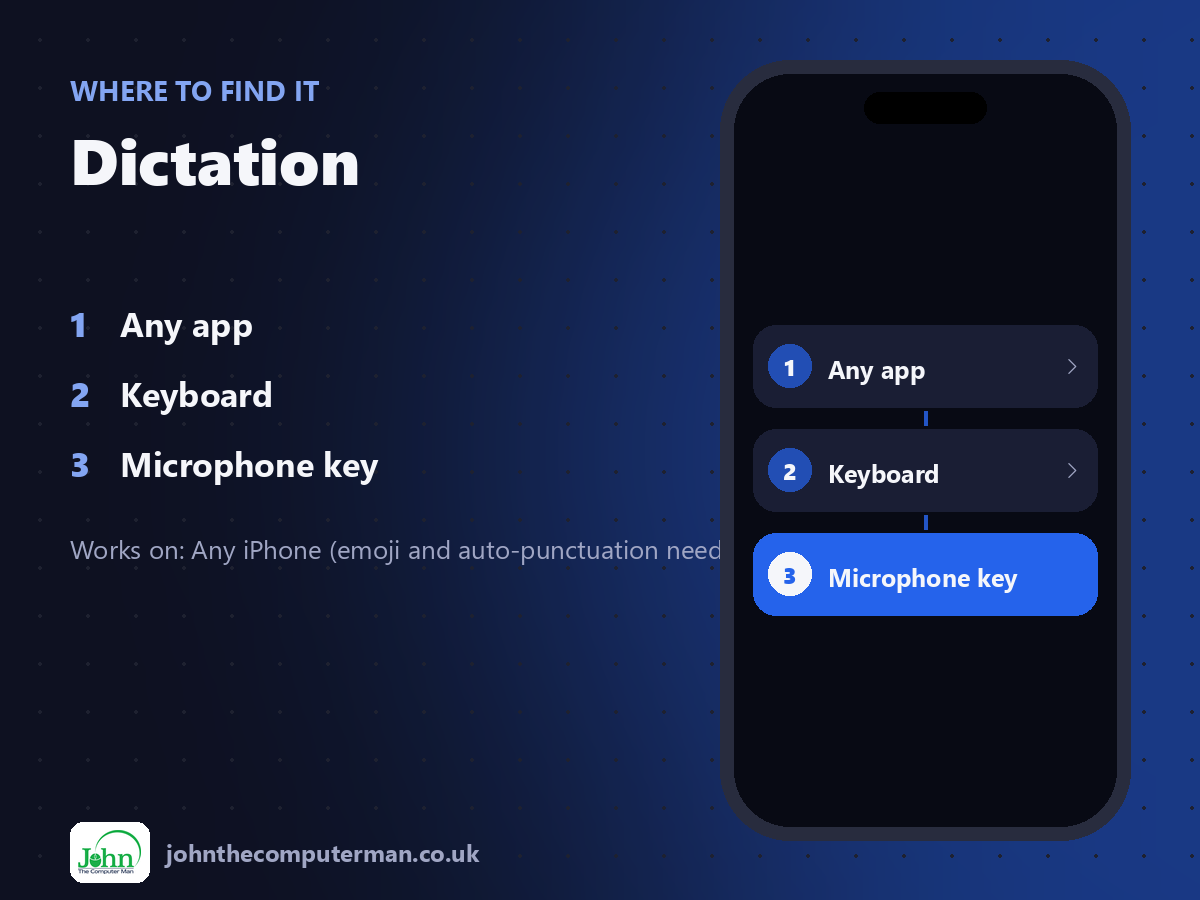
Any app > Keyboard > Microphone key
Dictation: step by step
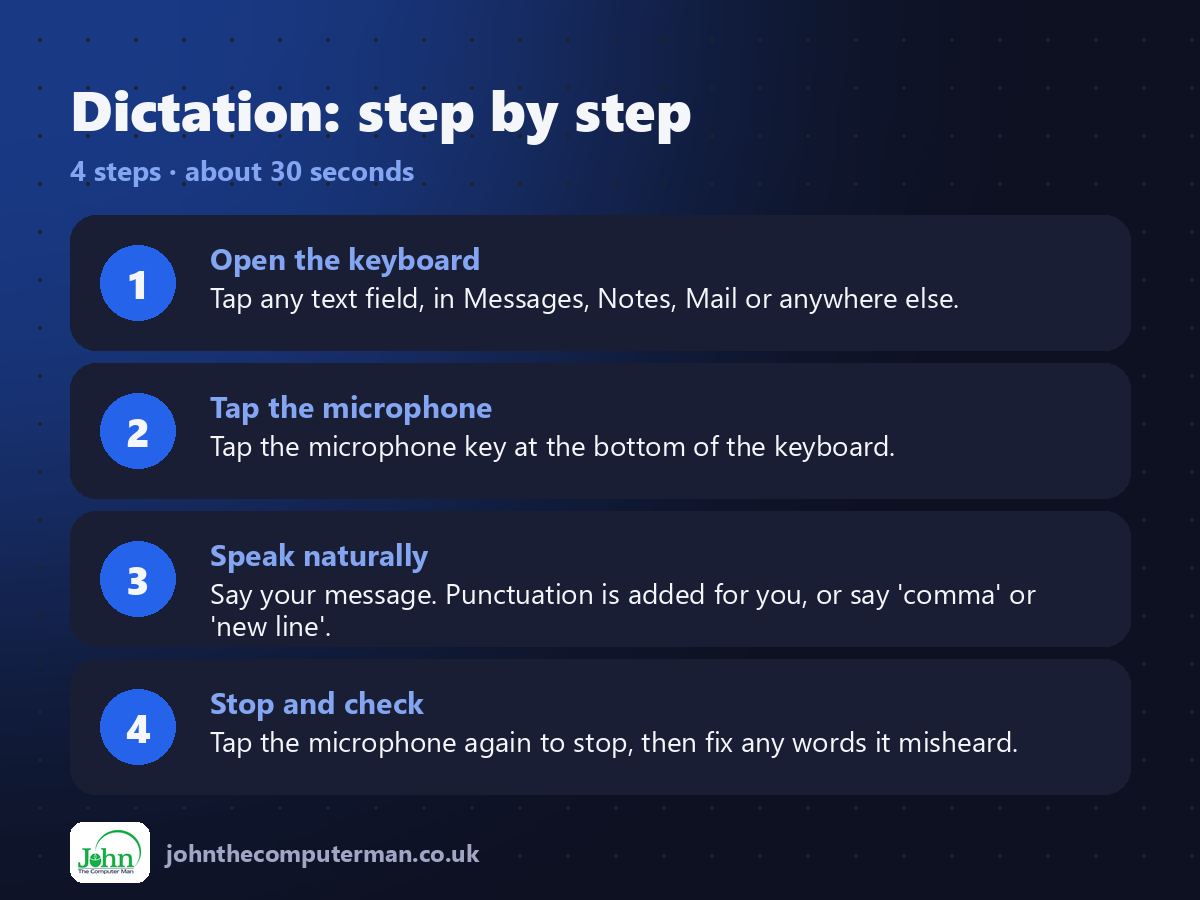
1. Open the keyboard. Tap any text field, in Messages, Notes, Mail or anywhere else.
2. Tap the microphone. Tap the microphone key at the bottom of the keyboard.
3. Speak naturally. Say your message. Punctuation is added for you, or say 'comma' or 'new line'.
4. Stop and check. Tap the microphone again to stop, then fix any words it misheard.
2. Tap the microphone. Tap the microphone key at the bottom of the keyboard.
3. Speak naturally. Say your message. Punctuation is added for you, or say 'comma' or 'new line'.
4. Stop and check. Tap the microphone again to stop, then fix any words it misheard.
Pro tip
💡 Say the name of an emoji to insert it, like 'heart emoji' or 'thumbs up emoji'.
More tips
• No microphone key? Turn on Enable Dictation in Settings > General > Keyboard.
• Say 'new paragraph' to start a new paragraph and 'question mark' for a question.
• You can tap and type while dictating to fix words without stopping.
• Speak a little slower than usual in noisy places.
• Say 'new paragraph' to start a new paragraph and 'question mark' for a question.
• You can tap and type while dictating to fix words without stopping.
• Speak a little slower than usual in noisy places.
FAQ
Does Dictation work offline?
On recent iPhones, yes, for many languages. Dictation is processed on the device.
Is Dictation private?
Most dictation is processed on your iPhone. Check Settings > Privacy & Security for the options.