How to Wipe Your iPhone Before Selling or Giving It Away
Your old iPhone holds your photos, messages, saved passwords and banking apps. Deleting a few things by hand doesn't come close to clearing it.
Erase All Content and Settings wipes everything and removes the lock that ties the phone to you, so the next owner can set it up as new.
What does Erase before selling do?
Erase All Content and Settings securely removes all your data, signs the iPhone out of your Apple Account and turns off Activation Lock. Without this, the next owner can't use the phone, and your data could be at risk.
Takes: 10 minutes · Works on: iOS 15 or later · Cost: free, built into your iPhone
Where to find it
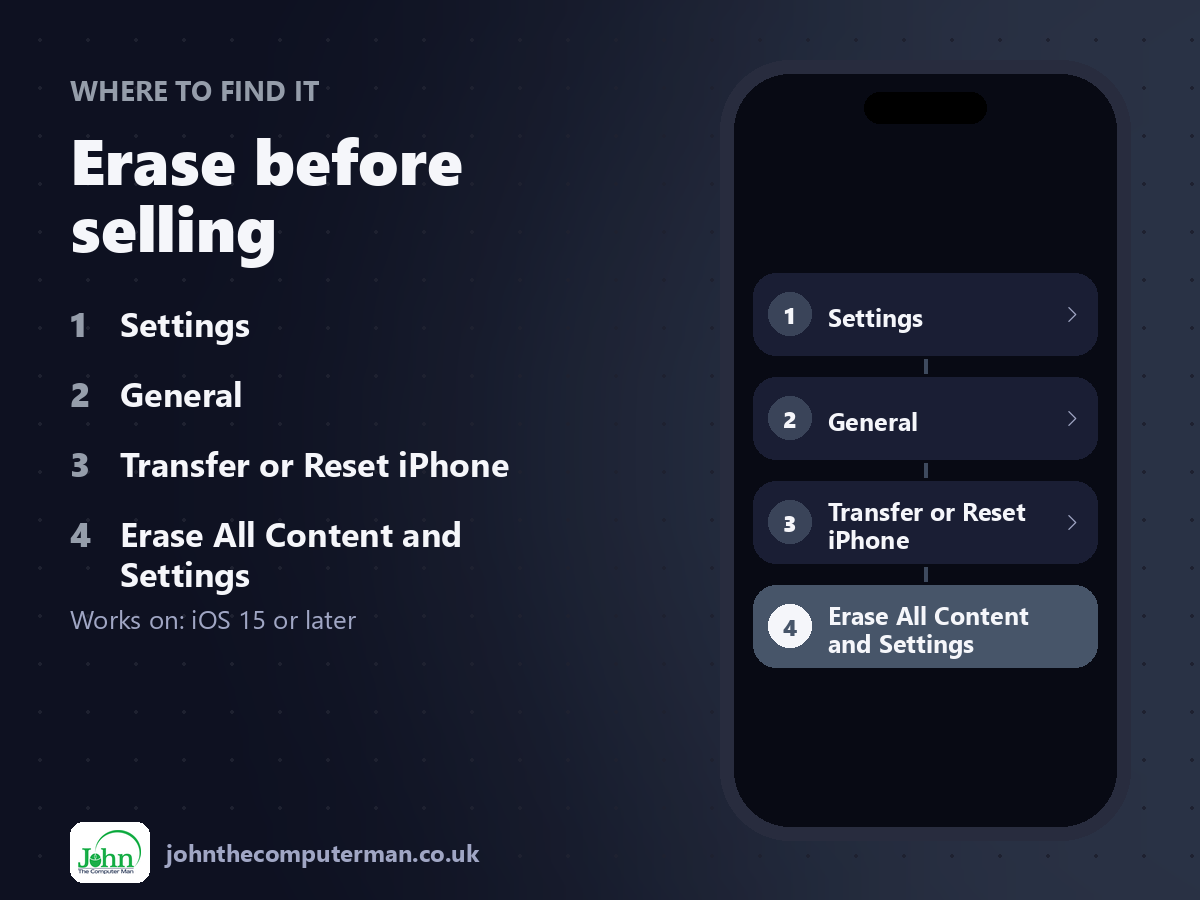
Settings > General > Transfer or Reset iPhone > Erase All Content and Settings
Erase before selling: step by step
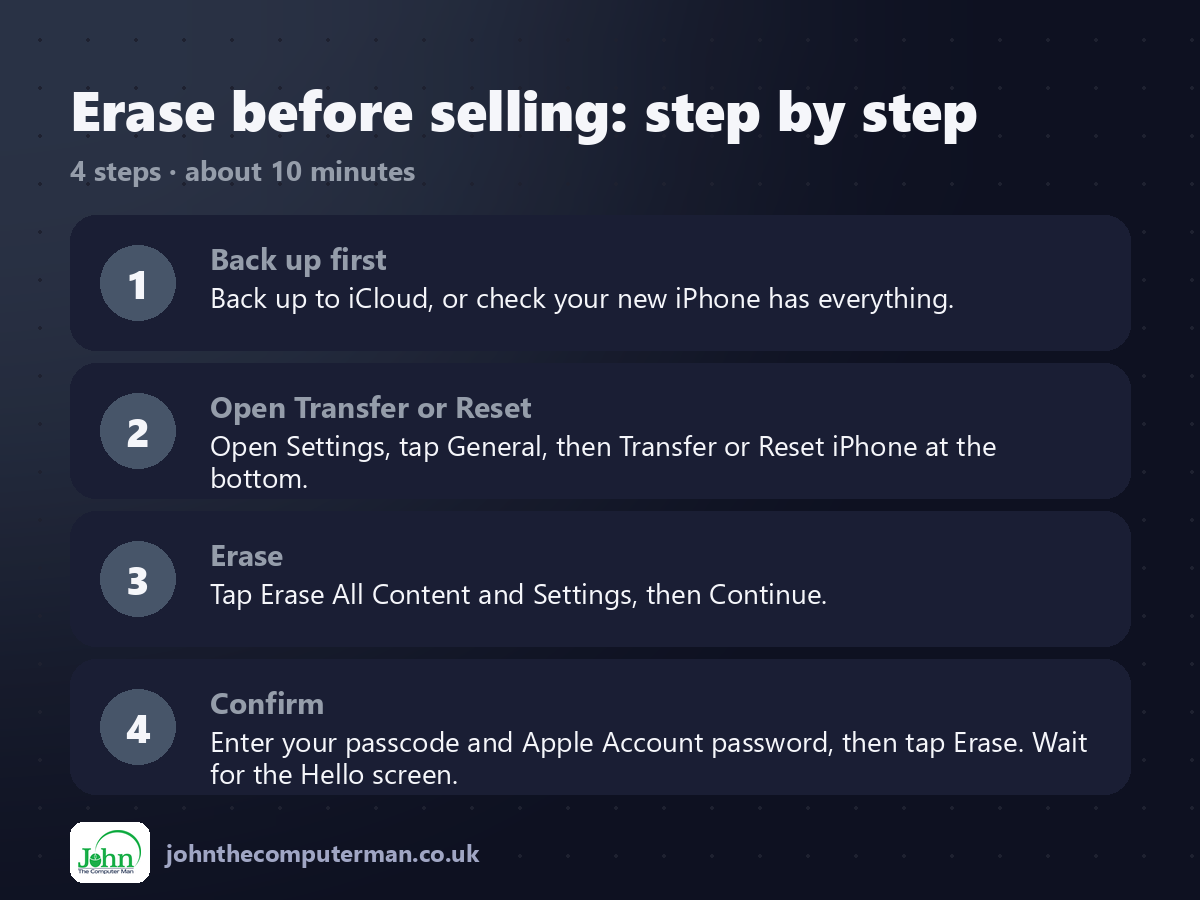
1. Back up first. Back up to iCloud, or check your new iPhone has everything.
2. Open Transfer or Reset. Open Settings, tap General, then Transfer or Reset iPhone at the bottom.
3. Erase. Tap Erase All Content and Settings, then Continue.
4. Confirm. Enter your passcode and Apple Account password, then tap Erase. Wait for the Hello screen.
2. Open Transfer or Reset. Open Settings, tap General, then Transfer or Reset iPhone at the bottom.
3. Erase. Tap Erase All Content and Settings, then Continue.
4. Confirm. Enter your passcode and Apple Account password, then tap Erase. Wait for the Hello screen.
Pro tip
💡 Wearing an Apple Watch? Unpair it first in the Watch app, or it stays locked to your old iPhone.
More tips
• Take out your SIM card, or make sure your eSIM has moved to the new phone.
• Seeing the Hello screen means it's ready for its new owner.
• Remove the old iPhone from your trusted devices in Settings > [your name] on your new phone.
• Trading in? Erase it yourself before posting it. Don't rely on the shop.
• Seeing the Hello screen means it's ready for its new owner.
• Remove the old iPhone from your trusted devices in Settings > [your name] on your new phone.
• Trading in? Erase it yourself before posting it. Don't rely on the shop.
FAQ
Is a factory reset enough to protect my data?
Yes. Your data is encrypted, and erasing destroys the key, so it can't be recovered.
I already sold it without erasing. What now?
Go to icloud.com/find, select the iPhone, choose Erase, then remove it from your account.