iPhone Frozen? How to Force Restart an iPhone That Won't Respond
The screen's frozen. Nothing responds to touch, and holding the side button does nothing. Panic sets in.
A force restart makes your iPhone switch off and on again, even when it's completely stuck. It doesn't delete any of your data.
What does Force restart do?
A force restart cuts the power to the software and starts the iPhone afresh. It's the fix for a frozen screen, a black screen or an iPhone that won't respond. It's different from a factory reset: nothing is erased.
Takes: 30 seconds · Works on: iPhone 8 or later · Cost: free, built into your iPhone
Where to find it
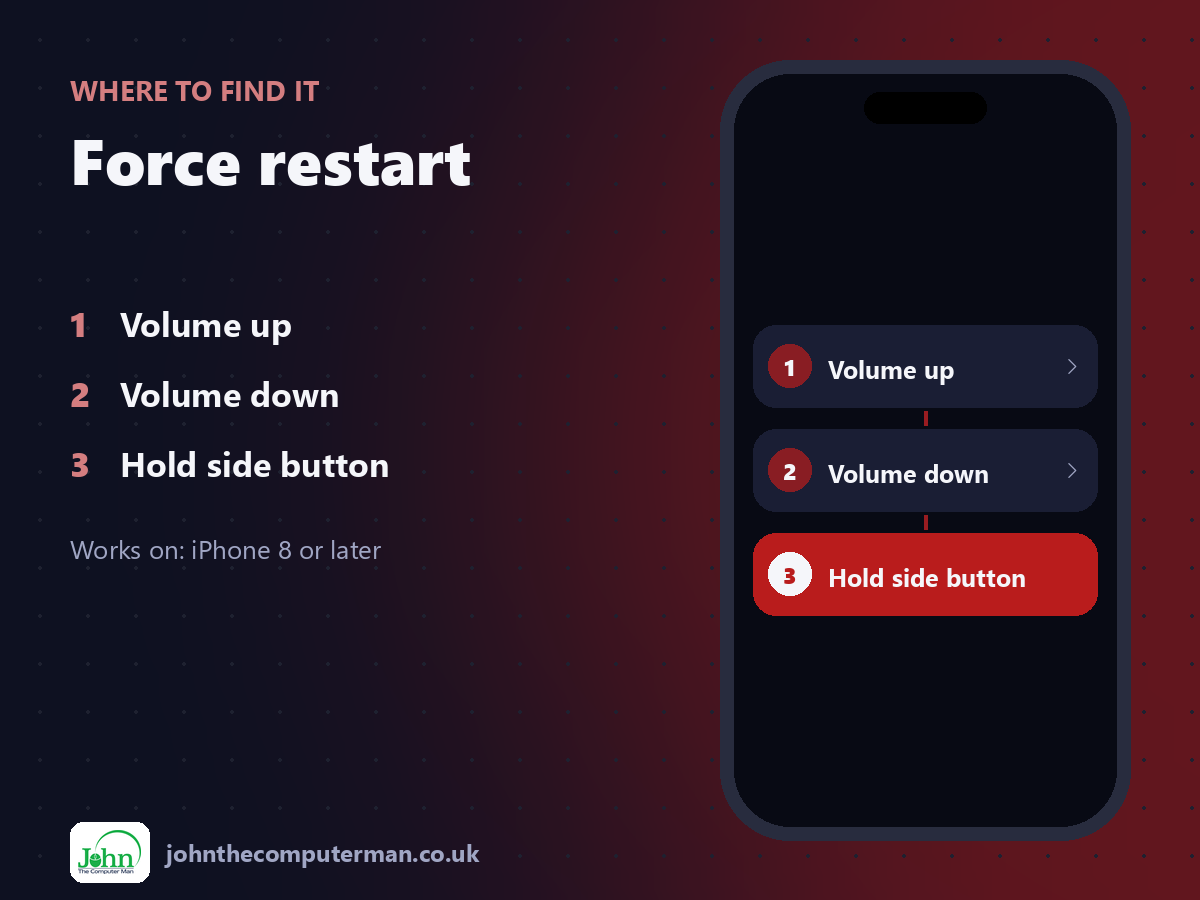
Volume up > Volume down > Hold side button
Force restart: step by step
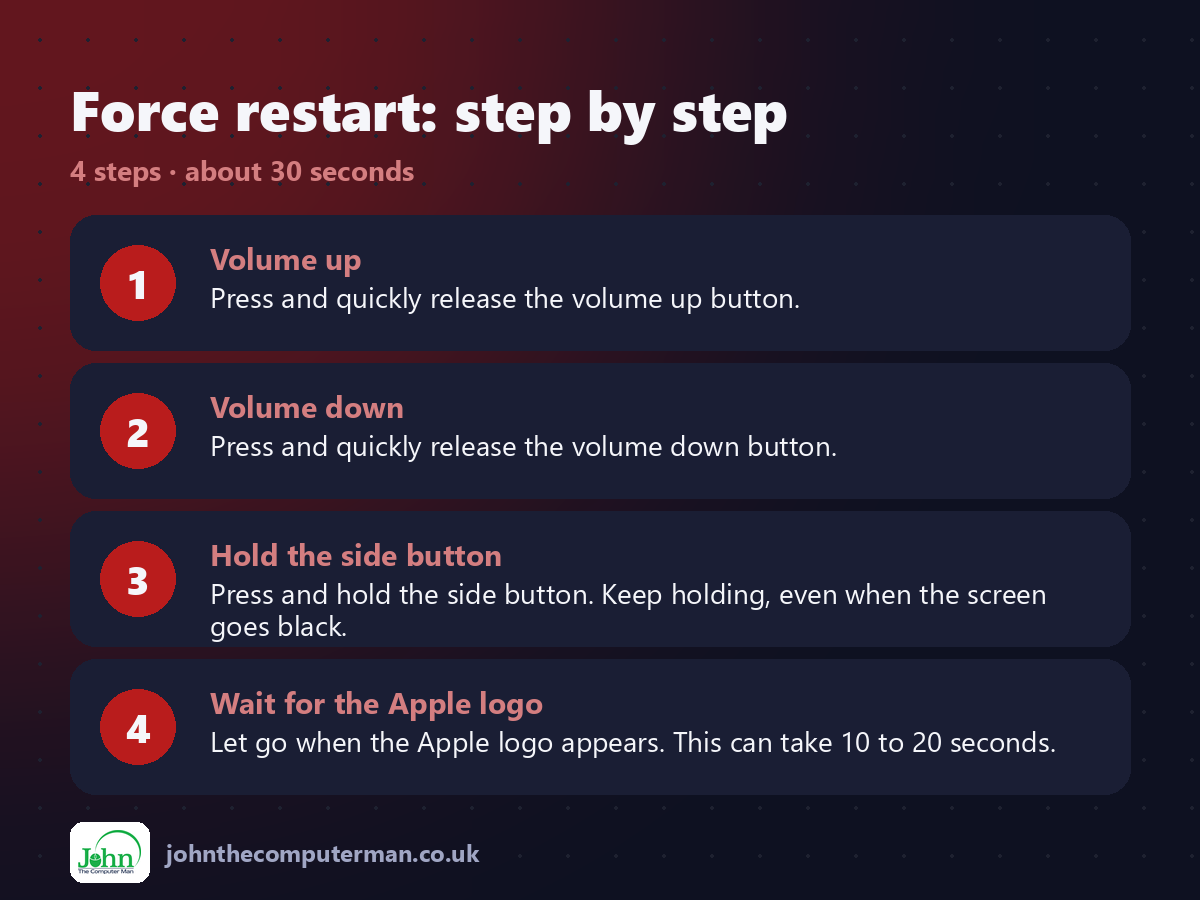
1. Volume up. Press and quickly release the volume up button.
2. Volume down. Press and quickly release the volume down button.
3. Hold the side button. Press and hold the side button. Keep holding, even when the screen goes black.
4. Wait for the Apple logo. Let go when the Apple logo appears. This can take 10 to 20 seconds.
2. Volume down. Press and quickly release the volume down button.
3. Hold the side button. Press and hold the side button. Keep holding, even when the screen goes black.
4. Wait for the Apple logo. Let go when the Apple logo appears. This can take 10 to 20 seconds.
Pro tip
💡 Do the three steps quickly, one after another. If the power-off slider appears, ignore it and keep holding.
More tips
• This works on iPhone 8 and later, including every Face ID iPhone.
• For a normal restart, hold the side button and a volume button, then slide to power off.
• Still black after a force restart? Charge it for at least 30 minutes and try again.
• If it keeps freezing, update iOS and check your storage isn't full.
• For a normal restart, hold the side button and a volume button, then slide to power off.
• Still black after a force restart? Charge it for at least 30 minutes and try again.
• If it keeps freezing, update iOS and check your storage isn't full.
FAQ
Will a force restart delete my data?
No. It only restarts the iPhone.
How often should I restart my iPhone?
There's no need to do it routinely, but an occasional normal restart can clear odd glitches.